
Opening search
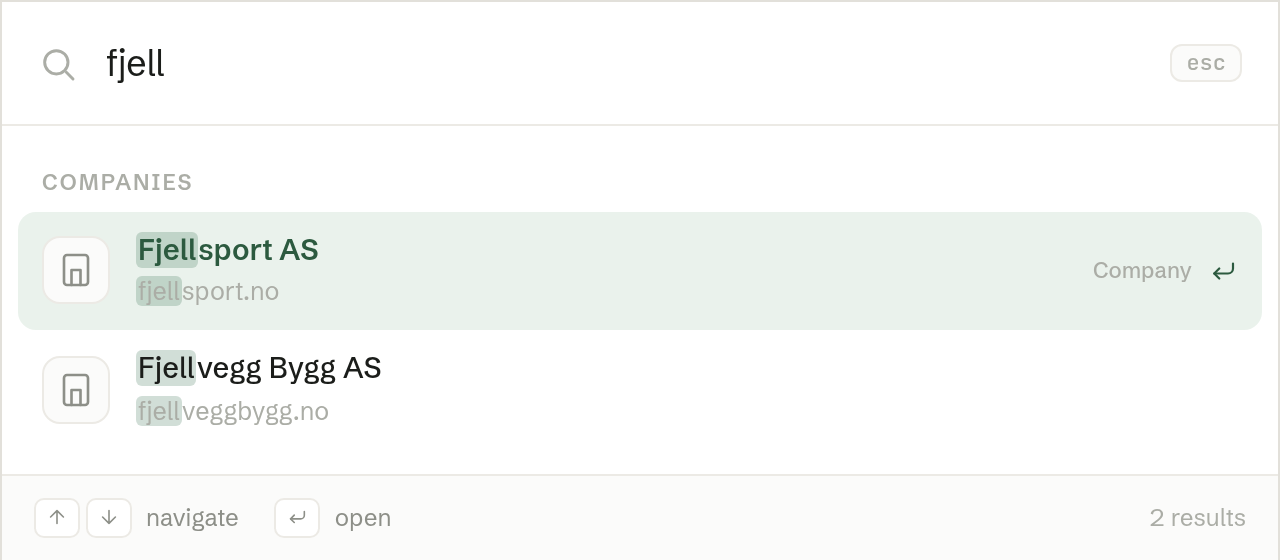
Press ⌘K on a Mac or Ctrl+K on Windows, or click Search in the left-hand menu. Start typing — results appear as you type.
What it searches
Results are grouped by kind:
- Apps — your company's apps and websites.
- Companies and Contacts from Customers.
- Meetings, including summaries and your own transcripts.
- Tasks.
- Documents by name, and Document content — what is written inside your documents, found by keyword and by meaning.
- Records in your company's own apps.
You only ever see what you have access to.
Moving around
Use the arrow keys to move between results, Enter to open one, and Esc to close search.
When nothing matches
Try another word, or ask the agent. If you searched for a company that is not in Customers yet, search offers to create it.