
Signing sends a document for electronic signature and keeps track of it until everyone has signed. Signers get a private link by email — they need no account and no app. When the last signature is in, a signed PDF goes to everyone and is kept in the archive.
Common uses
- Quotes a customer accepts by signing.
- Agreements — rental agreements, framework agreements, NDAs — signed by both parties.
- Internal documents a colleague or the board signs.
How it is organised
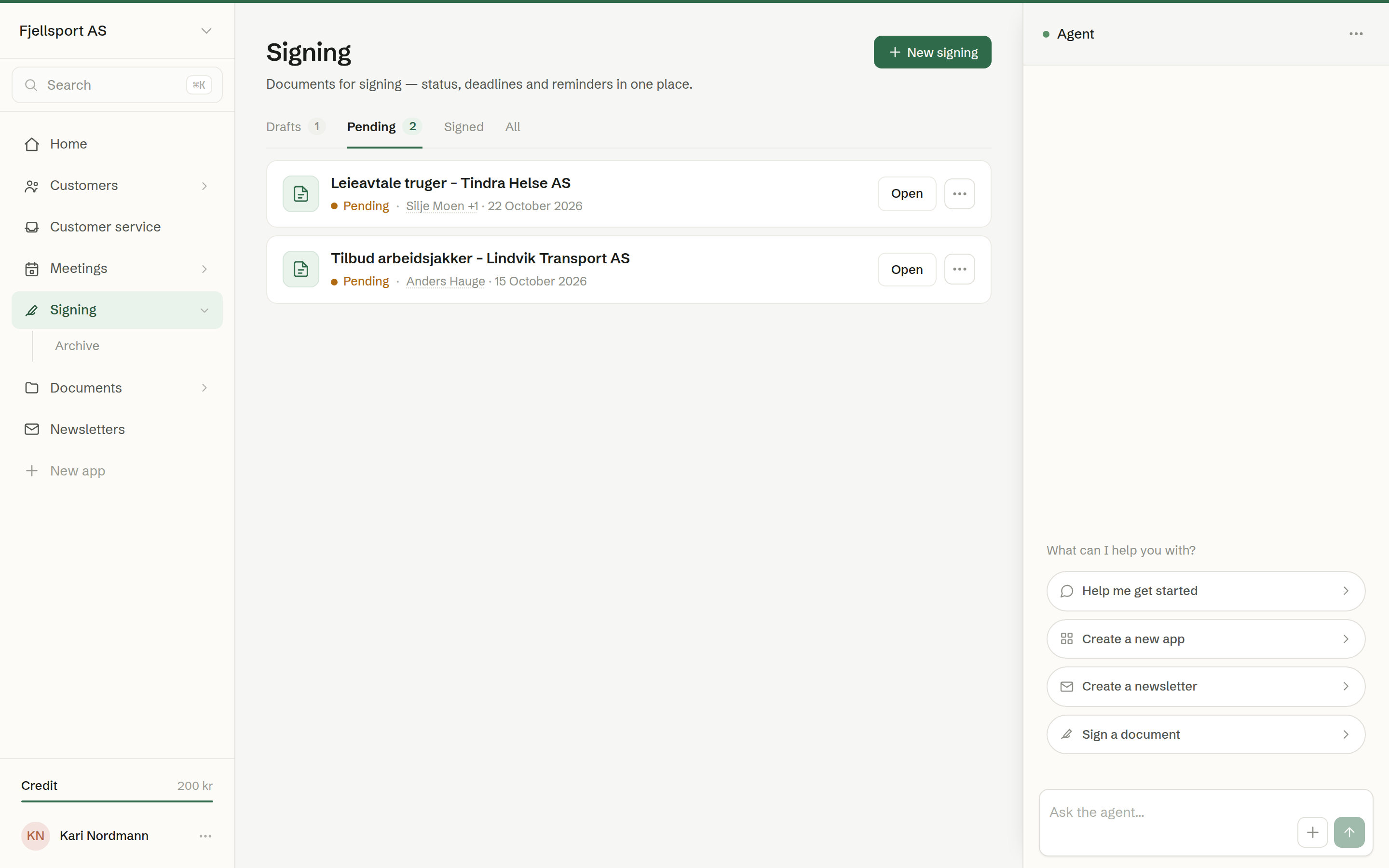
The overview has four tabs:
- Drafts — documents made for signing that have not been sent yet.
- Pending — sent, waiting for signatures. The number on the tab is how many.
- Signed — everyone has signed.
- All — everything, including cancelled signings.
Archive in the menu lists every signed document in the workspace, with its PDF. See Archive.
The overview shows your own signings — the ones you sent.
In this chapter
- Starting a signing
- Requesting signatures
- Signing methods
- Following a signing
- Changing the deadline
- What signers see
- Archive
Who can do what
Every member can send documents for signature. Changing the deadline and cancelling are for the person who sent it. Everyone can see the archive of signed documents.