
Brigg covers customers, meetings, documents, customer service and more out of the box. Your own apps are for everything else: the tool that lives in a spreadsheet today. Describe what you need in ordinary words, and the agent builds it on top of the data already in the workspace — the same customer list, the same colleagues, the same permissions.
A website is made the same way. It is built as pages in your company's own look, edited directly on the page, and published on the web when you are ready.
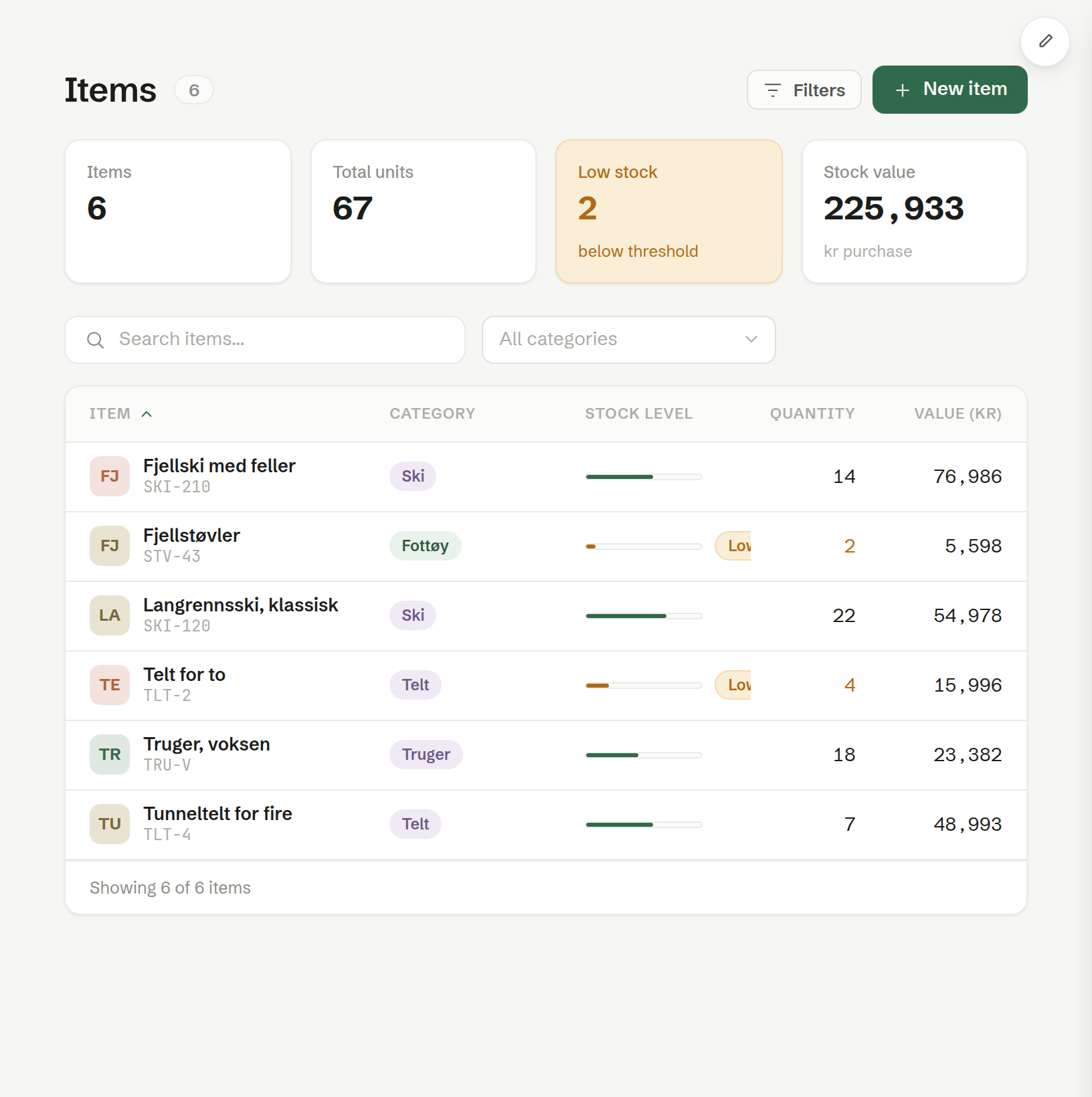
Common uses
- A register for what you keep track of — stock, rental gear, equipment, members, vehicles.
- A work tool for the team — time tracking, a production log, projects with tasks and deadlines.
- A calendar — rentals, bookings, shifts.
- The company website — on your own domain, with a contact form that lands in Customer service.
In the menu
Your apps and websites are listed in the left-hand menu below Brigg's own parts, each with its icon and name. Click one to open it. The open app expands to show its screens, if it has more than one.
At the bottom of the list, New app starts a new one. See Creating an app or a website.
Changing an app
You never have to touch code. Open the app and tell the agent in the chat what you want — «add a field for warranty expiry», «show only my cases», «make the button green». The change lands in a draft only you see, and Save puts it into use for everyone. See Changing an app.
In this chapter
- Creating an app or a website
- Changing an app
- Editing text and languages
- Sharing
- Publishing a website
- App settings
Who can do what
Every member can create apps and websites, and change, save, publish and delete the ones they made themselves. A colleague's app is theirs: changing, saving or deleting it takes an owner or administrator. Admin
Everyone in the workspace can use a saved app. What each person sees in it still follows their role — an app shows only the data that person is allowed to see.
Connecting your own domain to a website and reading its visitor statistics are for owners and administrators. Admin