
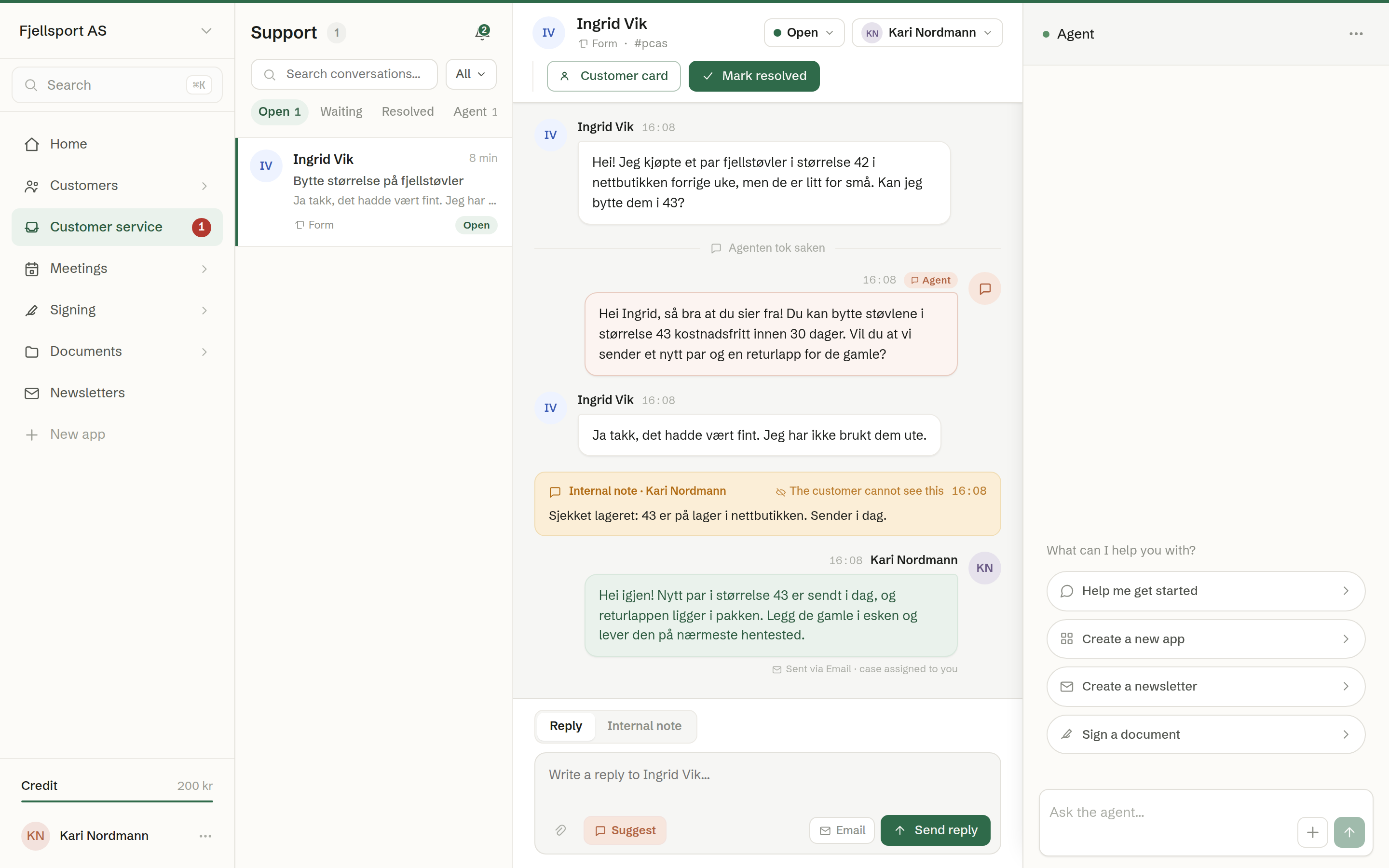
Customer service collects what your customers send you — email, web chat on your website, contact forms and phone calls — in one inbox the whole team shares. The agent answers each enquiry first, from your instructions and your documents, and hands it to a person when it needs one.
Common uses
- A support address that answers itself. Forward support@ to Brigg; the agent answers common questions at once, and the rest lands with the team.
- Web chat on your website, answered day and night.
- A phone number the agent answers — opening hours, simple questions, taking a message or putting the caller through.
- One place for the team to see what is waiting, who has what, and what has been solved.
How it is organised
- An inbox is one stream of enquiries with its own channels, instructions and signature. A workspace starts with one, called «Support»; you can add more — for example one for sales. See Creating more inboxes.
- A conversation is one customer's case, from the first message to solved.
- Every conversation is in one of four tabs: Open, Waiting, Resolved and Agent. See The conversation list.
In the menu
Customer service in the left-hand menu shows the number of open cases. With one inbox, clicking it opens that inbox, and the gear next to it opens its settings. With several, it expands to one row per inbox, each with its own count and gear.
In this chapter
- The conversation list
- Answering a conversation
- How the agent handles enquiries
- Inbox settings
- Setting up email
- Web chat on your website
- Playbook and signature
- Giving the agent documents
- Phone
- Creating more inboxes
- Notifications
Who can do what
Every member can work the inbox: answer, write notes, assign, change status and edit an inbox's instructions. Creating an inbox, getting a phone number and changing the phone's capabilities are for owners and administrators.