
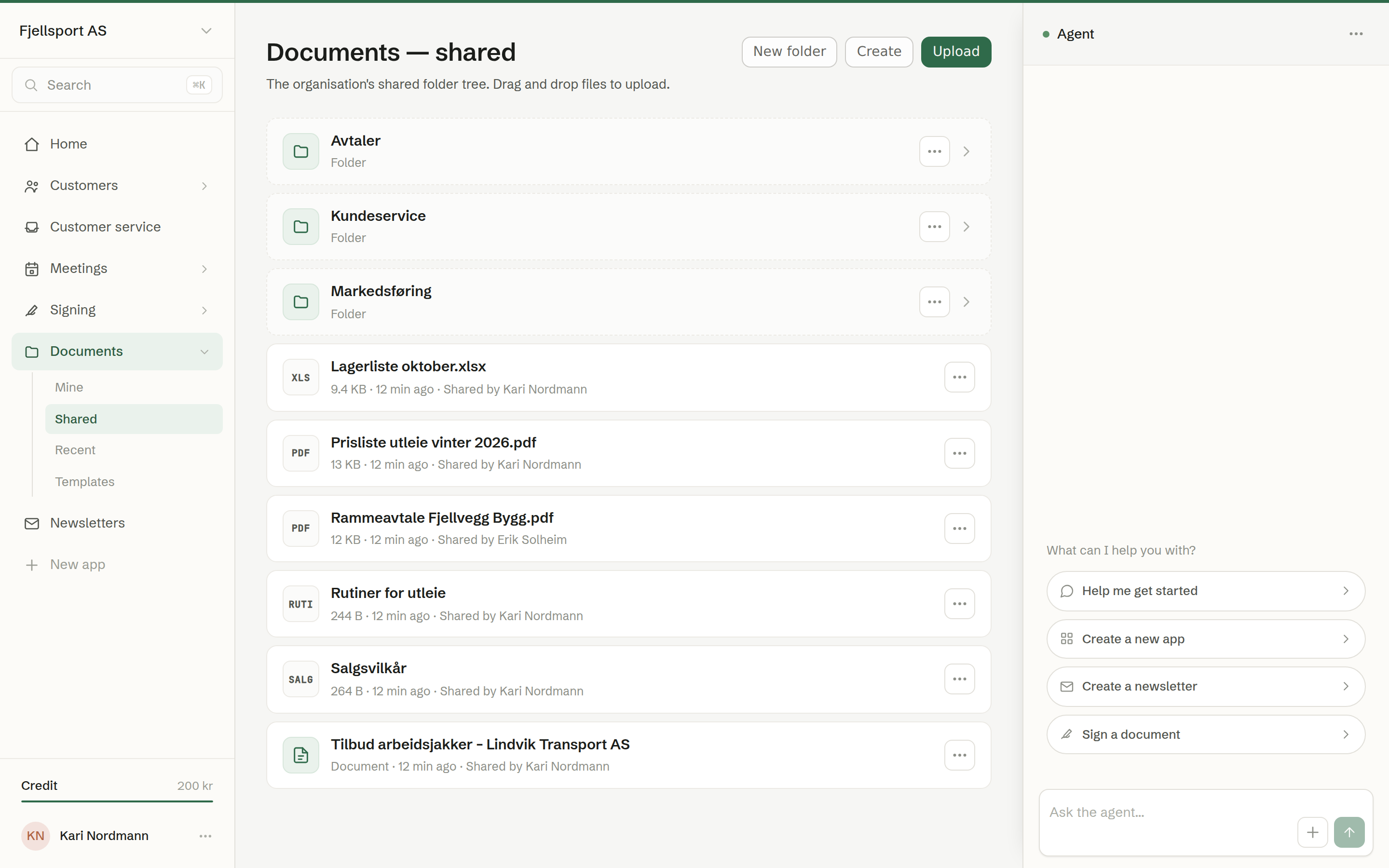
Documents is where the company keeps its files: the folders the team shares, each person's own files, and the templates new documents are made from. Search looks inside the files, not just at their names, and permissions follow every document — a private file never shows up in someone else's results.
Common uses
- A shared archive for price lists, agreements and routines, in folders the whole team can see.
- Your own files that nobody else sees, under Mine.
- Quotes and agreements written for you. Pick a document type or one of your templates, say what it should contain, and the agent writes it.
- Writing together in a text document, with colleagues editing at the same time.
- Sending for signature straight from the document. See Signing.
How it is organised
The menu has four places:
- Shared — the workspace's folders. Everyone in the workspace sees them. See Shared and Mine.
- Mine — your personal folders. Only you see them.
- Recent — everything you can see, newest first. See Recent.
- Templates — the reusable bases new documents are made from. See Templates.
A row in a folder is one of three things: an uploaded file (a PDF, a Word file, a spreadsheet, an image), a document made in Brigg, which opens as a page instead of downloading, or a text document, which opens in the editor.
In this chapter
- Shared and Mine
- Renaming, moving and deleting
- Recent
- Creating a document
- An open document
- Sharing a document
- Text documents
- Templates
- A customer's documents
- Virus scanning
Who can do what
Every member can upload, create folders, make documents and templates, and open, download and edit everything in Shared. Renaming, moving and deleting a shared document is for the person who shared it and for owners and administrators. Mine belongs to you alone — not even administrators see it.