
Signing in
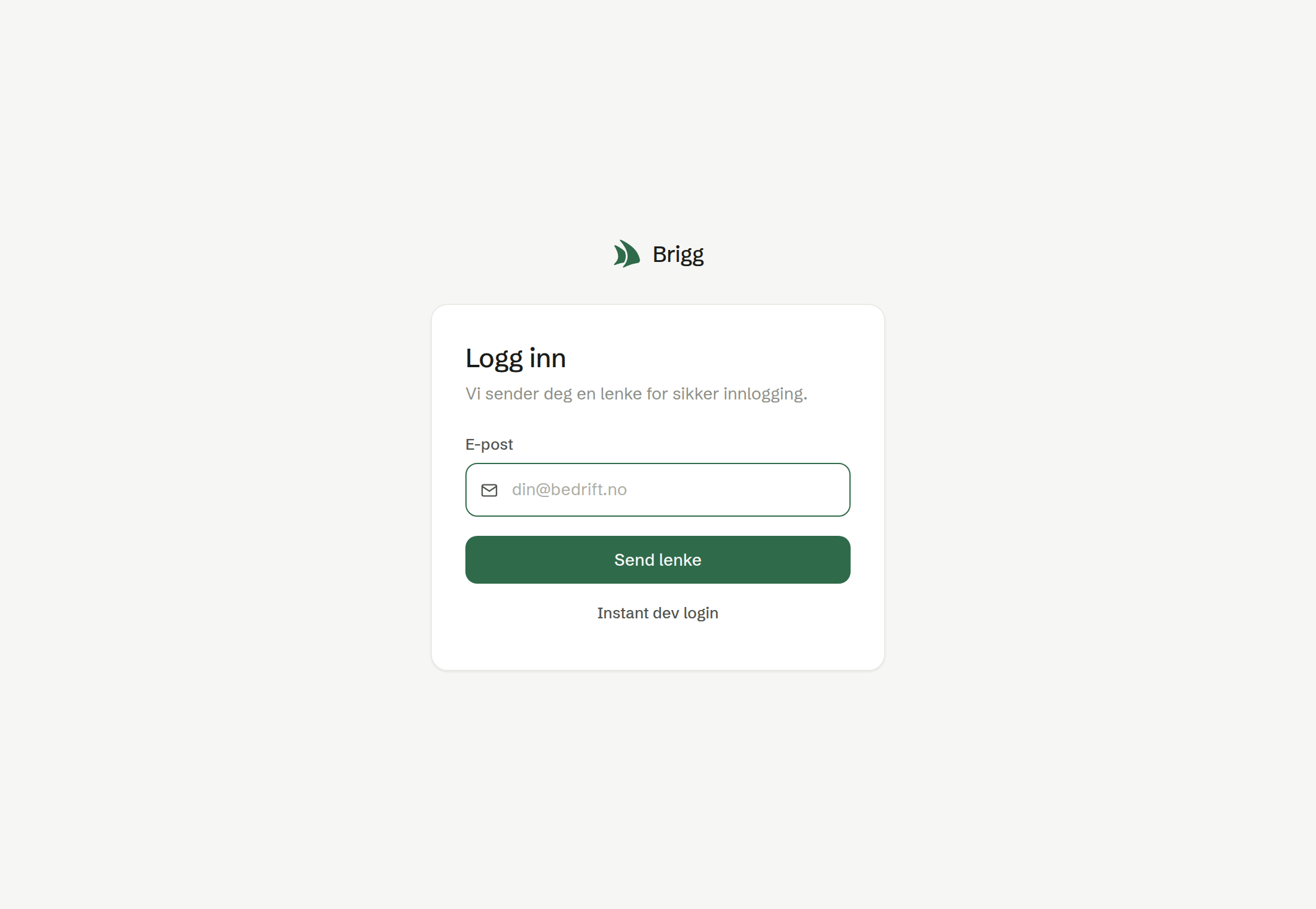
- Open Brigg and enter your Email. Brigg remembers the last address you used.
- Press Send link.
- Open the email and click the link. It signs you in at once.
The sign-in link works for 10 minutes. If it has expired, ask for a new one with Sign in again. Opening the same link twice within its lifetime is fine. A link from an invitation lasts longer, so a colleague who is invited can join when it suits them.
If your address is not known
The sign-in screen does not create accounts. If Brigg does not know your address, you are offered to sign up on brigg.no instead.
If your company already has a workspace in Brigg, you are offered Ask for access. An administrator approves the request and you get a sign-in link. Some companies let colleagues straight in — then you are added at once and get the link by email.
Signing in on the desktop and phone apps
When you ask for a link from the desktop or phone app and open it in the browser, Brigg offers to continue in the app. You can also continue in the browser.
Signing out
Open the menu under your name at the bottom of the left-hand menu and choose Log out. If you are signed in to several accounts at once, you choose which one to sign out of, or all of them.
When you sign out, the session stops working within a minute, even if someone has copied it. A browser keeps you signed in for up to 30 days, or until you have not used it for 7 days. See every device you are signed in on under Active sessions.