
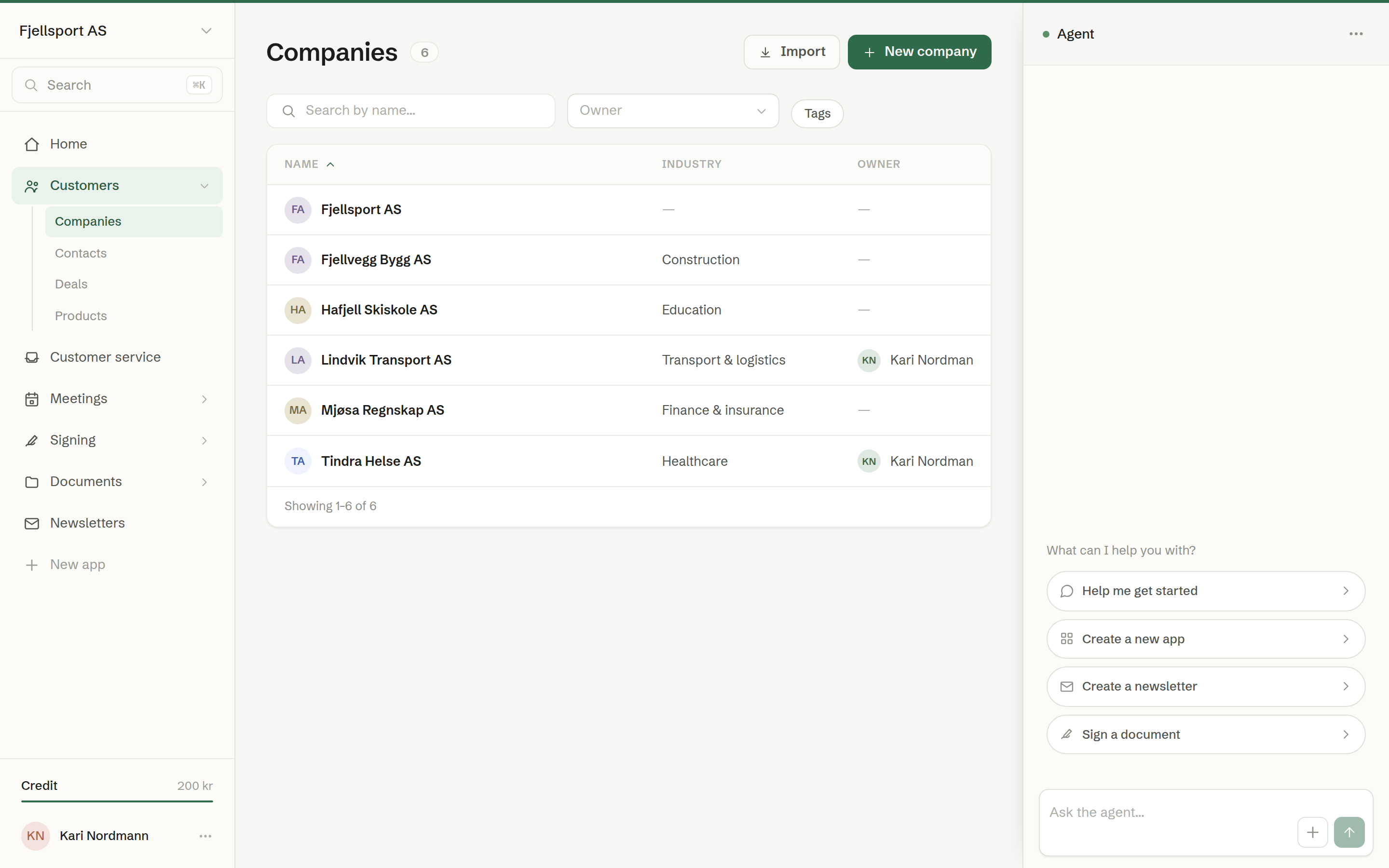
Customers is Brigg's CRM. It holds the companies you sell to, the people you deal with there, your sales and your price list. Meetings, emails, documents and tasks link themselves to the right company and contact, so each customer's page shows the whole relationship without anyone filing anything.
Common uses
- One place for every customer — who they are, who you talk to, what you have sold them and what is still open.
- Getting ready for a call — the agent's brief on the company page says what is worth knowing and suggests the next step.
- Following up sales — a pipeline board with your own stages, the open value and what closes this month.
- Making quotes — a deal's line items come from your price list, and a quote is made straight from them.
In the menu
Customers in the left-hand menu has four pages:
- Companies — the companies you have a relationship with. See The company list.
- Contacts — the people at those companies, and private customers. See The contact list.
- Deals — the sales pipeline. See Deals.
- Products — your price list. See Products and line items.
In this chapter
- The company list
- The contact list
- Adding a company or a contact
- The company page
- The contact page
- Editing a company or a contact
- The agent's brief
- What Brigg fills in for you
- Activity and notes
- Tasks on a customer
- Email on a customer
- Documents on a customer
- Deals
- Products and line items
- Importing customers
Who can do what
Every member can see, add, edit and delete companies, contacts, deals and products, and write notes and tasks. Two things are for owners and administrators: changing the sales stages, and importing from HubSpot.
The agent can do it too
Everything here can also be done by asking the agent in the chat — «add Lindvik Transport as a customer», «show me the deals that close this month», «move the jacket deal to Negotiation».