
Meetings gathers your meetings in one place: what is coming up from your calendar, and what you have held and recorded. Before a meeting, the agent prepares a brief and an agenda. During it, the Brigg app transcribes the conversation — with no bot joining the call. Afterwards you get a summary, follow-ups, and an email to the attendees if you want one.
Common uses
- Customer meetings with less admin. The summary is written for you and can be sent to the customer, and the meeting lands on the customer's record in Customers.
- Coming prepared. The agent looks up the company and the people you are meeting and suggests an agenda.
- Never losing a follow-up. Tasks agreed in the meeting become follow-ups with an owner and a date.
- Letting customers book you. A booking link shows your free times, and the booking lands in your calendar and in Meetings.
The screen
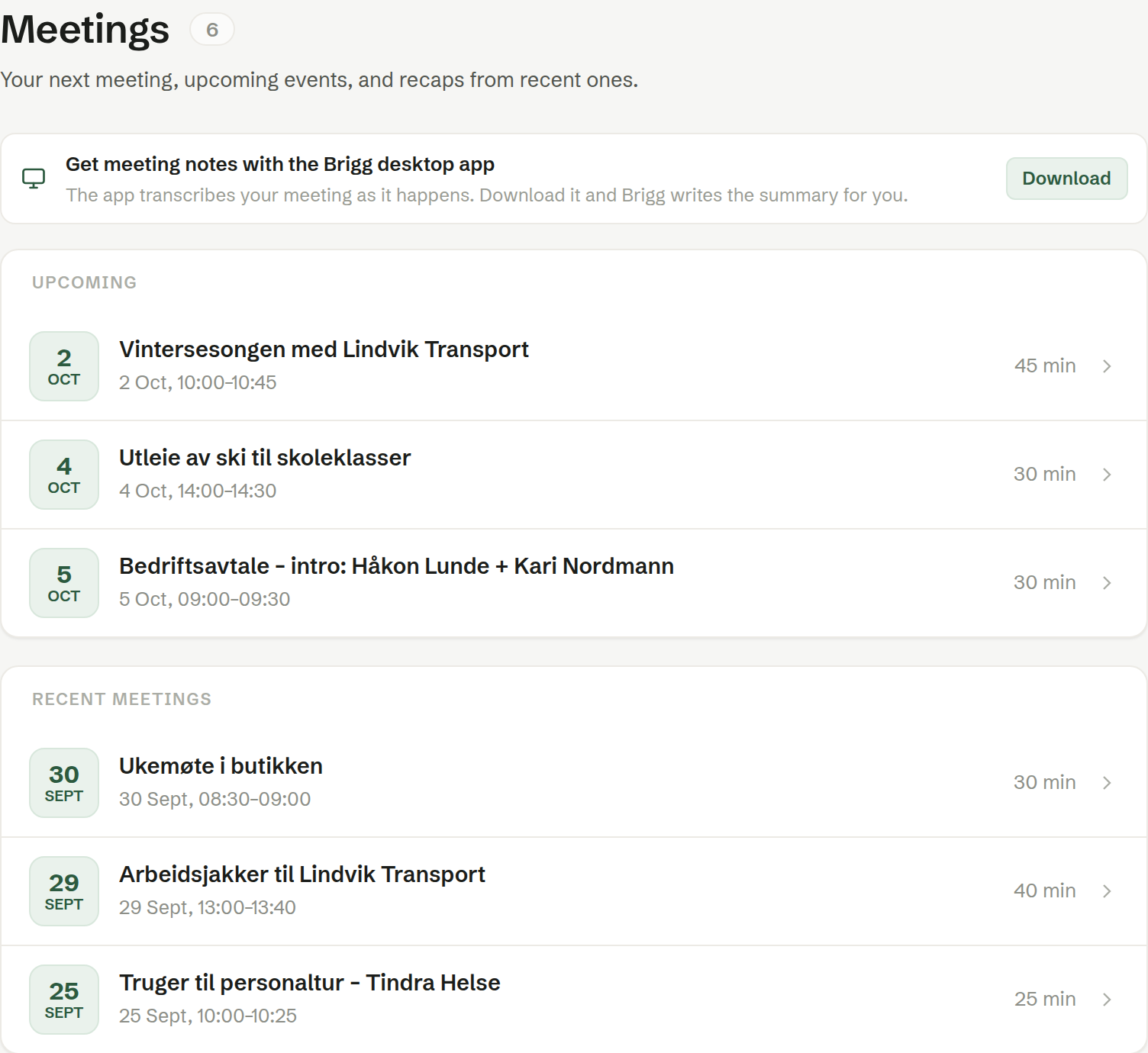
- Overview — Upcoming and Recent meetings. When a meeting is under way or starts within a few hours, it is shown at the top as Next meeting, with Join or Start.
- Upcoming and Recent — the full lists. See Upcoming and recent meetings.
- Booking — your booking links. See Booking links.
- Templates — meeting templates with a standard agenda. See Meeting templates.
In a browser, the overview also shows Get meeting notes with the Brigg desktop app, with Download: recording happens in the app, not in the browser.
In this chapter
- Upcoming and recent meetings
- Before the meeting
- Recording a meeting
- Your notes
- The summary
- Follow-ups
- Sending the summary by email
- Who can see a meeting
- Connecting your calendar
- Meeting templates
- Booking links
- Your meeting settings
- Privacy for the workspace
Who can do what
Everyone records their own meetings and decides who sees them. On a meeting, the person who recorded it — the host — edits the summary, changes the sharing and deletes it. How long transcripts are kept and the reminders about AI use are set for the whole workspace by owners and administrators.