
Open Company settings › Menu (owners and administrators). Here you tidy the left-hand menu, so each person sees the parts of Brigg they use. Admin
Who sees each item
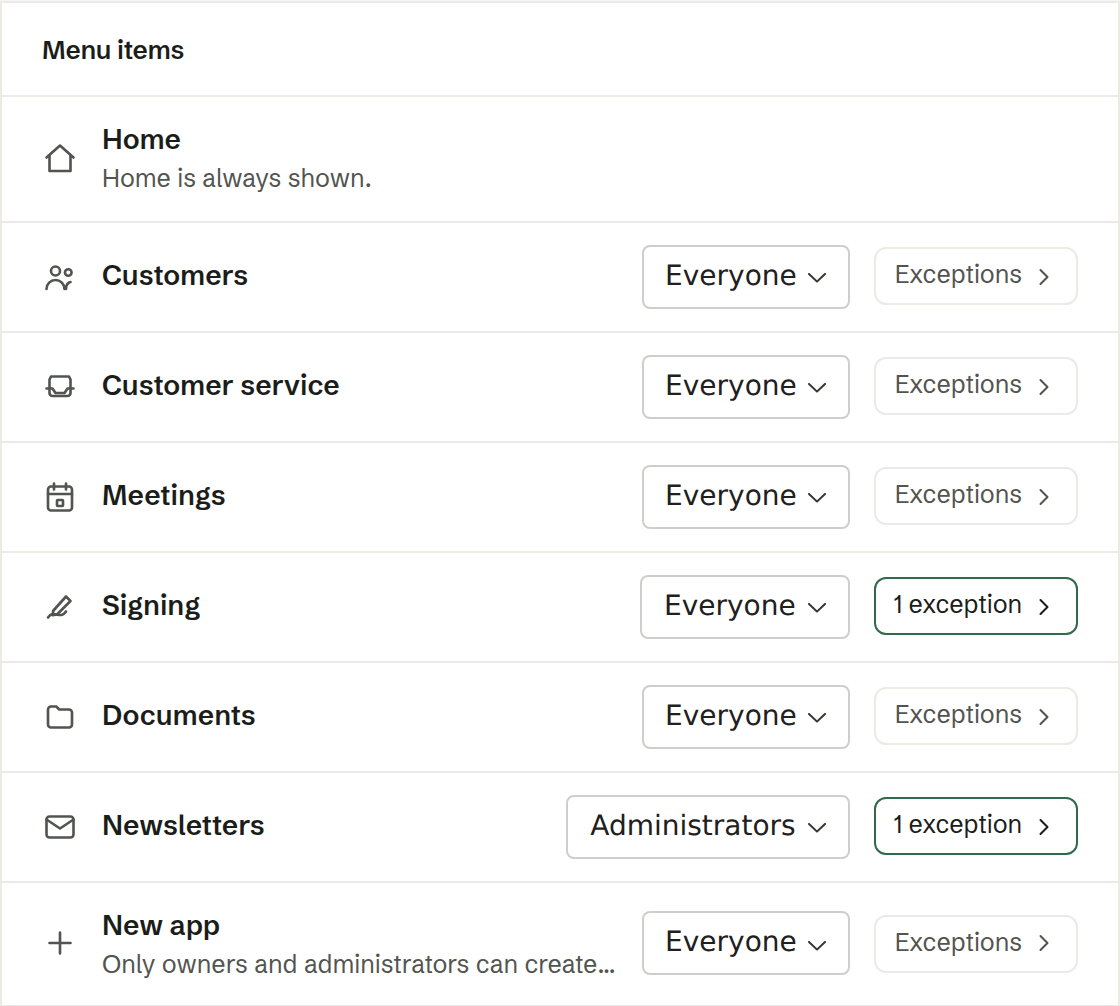
For every item in the menu, choose who sees it: Everyone, Administrators or Nobody. Home is always shown. Your company's own apps are listed too.
Exceptions for a person
Under each item you can make exceptions: Always show or Always hide for named people. Find them with the search field. A person on the hide list never sees the item, whatever the rule says.
What hiding does — and does not do
Hiding an item only removes it from the menu. It is not an access control: a person can still open the page from a link, find its records with search, and the agent can still work with it.