
A deadline that turns out to be wrong can be moved after the document has gone out. Choose Change deadline in the signing's ⋯ menu, or in the … menu of the open document.
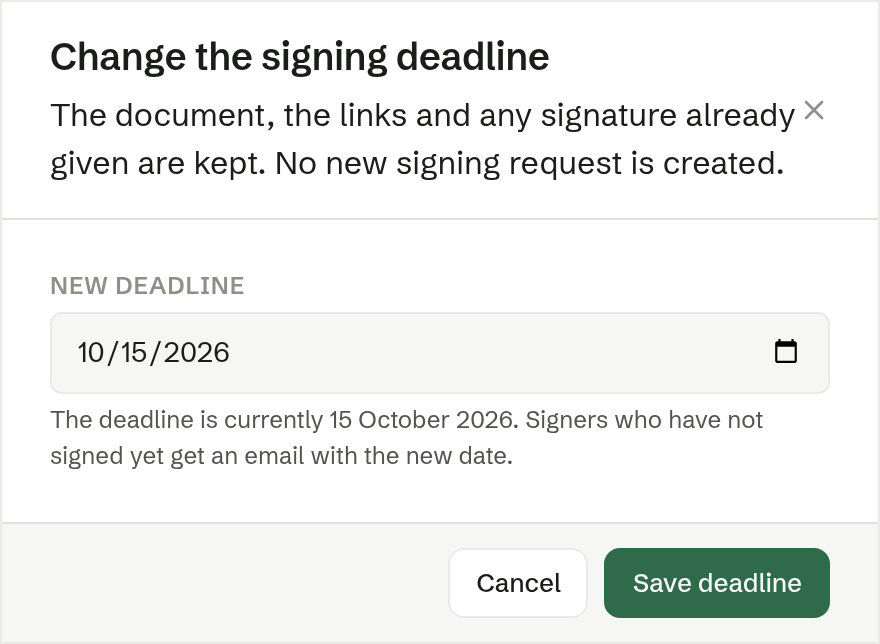
The dialog
- The text tells you the current deadline.
- New deadline — pick a date, today or later.
- Save deadline moves it.
What happens
- The document, the links and any signature already given are kept. No new signing request is created.
- Everyone who has not signed yet gets an email with the new date.
- If that email could not reach someone, Brigg tells you who — they still believe the old date applies.
Extending works even after the old deadline has passed: the signers get the email, and the sign button comes back.
Only the person who sent the signing can change its deadline.