
When BankID signing is available, Request signature asks for a Signing method. Otherwise every signing uses e-signature.
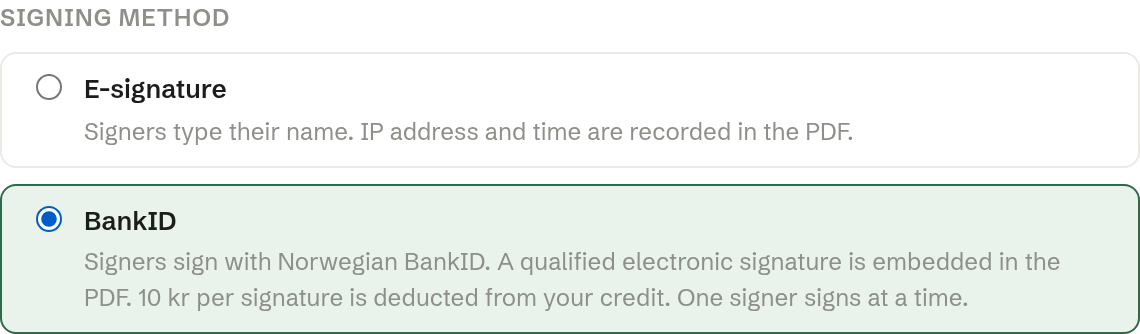
E-signature
The default. Signers type their name to sign. Their IP address, the date and time and their browser are recorded on a verification page in the signed PDF. Free.
BankID Only in Norway
Signers sign with Norwegian BankID, in BankID's own window. The result is a qualified electronic signature, built into the PDF — the strongest kind of electronic signature. The signed PDF is BankID's own and is stored exactly as it is.
- Each signer needs a Norwegian BankID.
- Signers sign one at a time: while one is signing, the others are asked to wait a few minutes.
- Each BankID signature costs the price shown in the dialog, taken from the workspace's credit when the signature is made. A cancelled or abandoned attempt costs nothing.
- If the credit is too low, the dialog says so before sending. Top up under Credits and usage, or choose E-signature.