
Every app and website has a settings page. Open an app's from its toolbar under … › Settings. Owners and administrators also have a gear next to each app and website in the left-hand menu, which opens the same page.
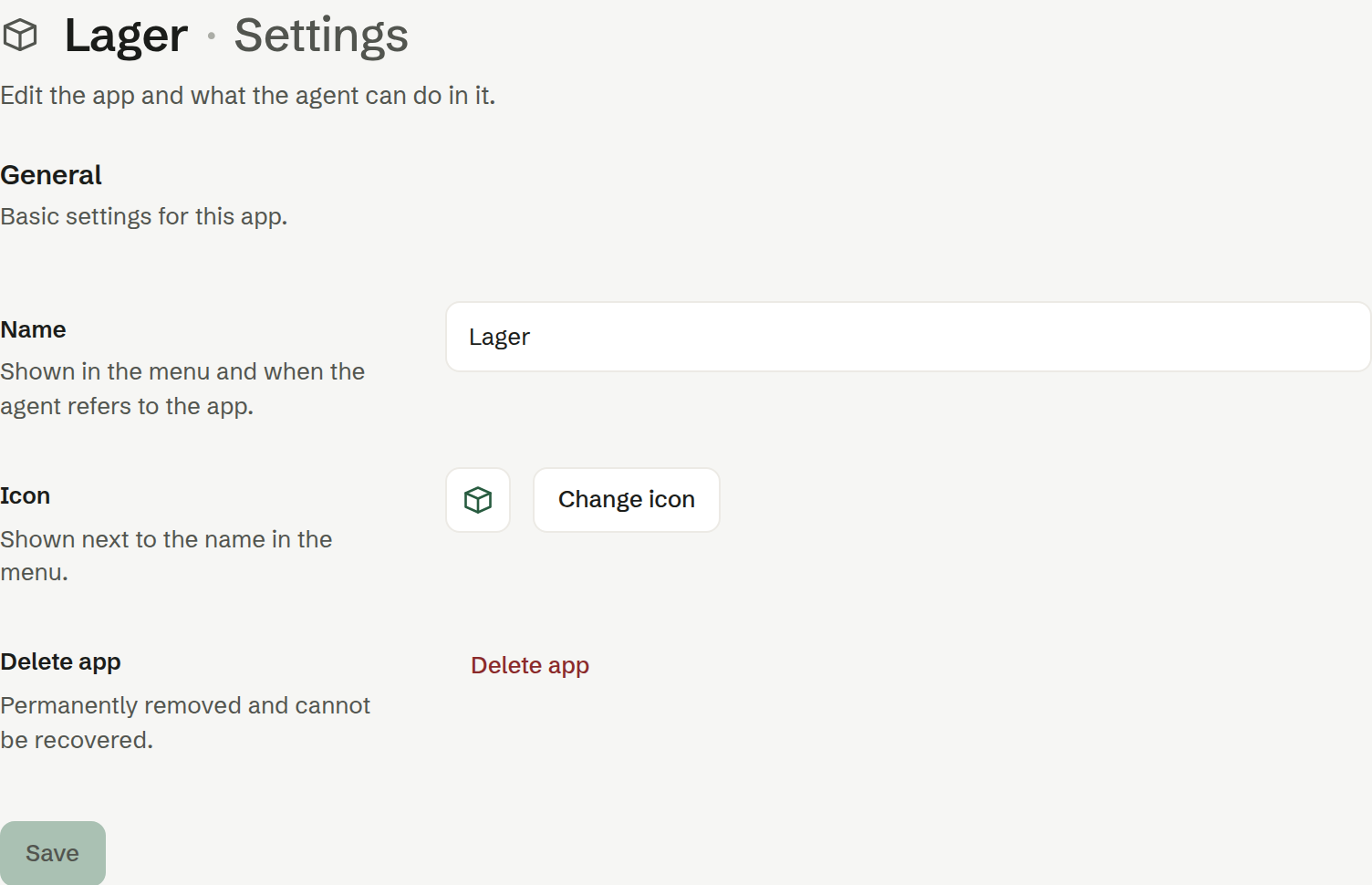
General
- Name — shown in the menu and when the agent talks about the app. Type the new name and press Save.
- Icon — shown next to the name in the menu. Press Change icon and pick one; the new icon is saved at once.
- Delete app (or Delete site) — removes it permanently from the workspace, together with its data and files. Brigg asks you to type «SLETT» to confirm, and it cannot be undone. If the app added fields to records that belong to other parts of Brigg, the confirmation lists them: their values are kept, but nothing shows them any more.
Domain and Statistics
A website has two more tabs, for owners and administrators: Admin
- Domain — connect a domain you own, such as fjellsport.no.
- Statistics — how the website is visited.
Both are described under Publishing a website.
Who can change the settings
The person who made an app can rename it, change its icon and delete it; a website is renamed from its own toolbar. For a colleague's app or website, it takes an owner or administrator. Admin