
Check the newsletter before it goes out — on screen, and in your own inbox.
Preview
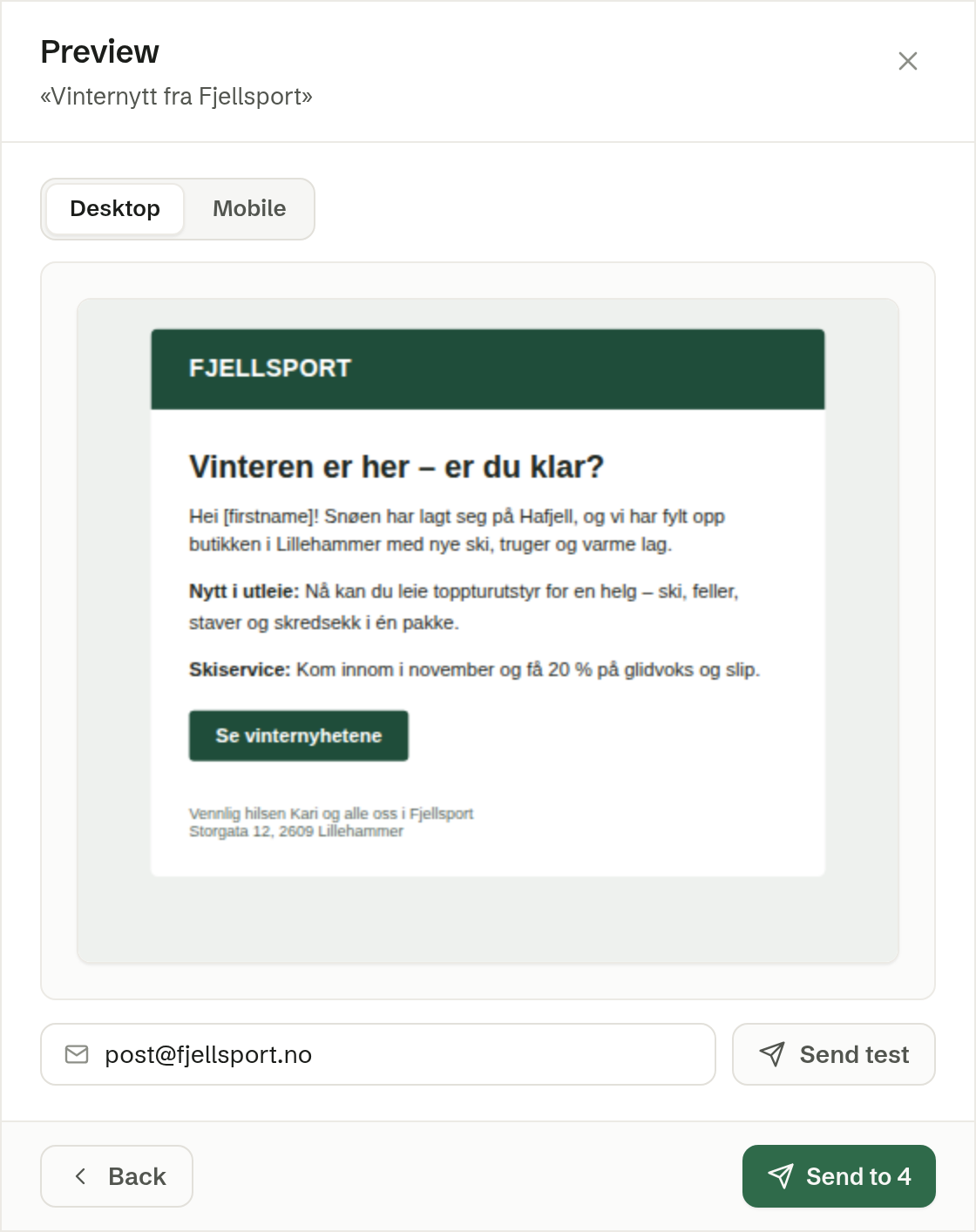
In the send dialog's second step, Preview shows the newsletter as it will be sent. Switch between Desktop and Mobile to see both widths. The merge fields are shown as they are written, such as [firstname].
Send a test
Send a test to yourself in the send dialog, Send test in the preview, or Send test to me in the newsletter's bar sends the newsletter to your own email address. The test fills in the merge fields from your own contact card in Customers, so this is where you see them work. A test is not counted as a send and does not move the newsletter to Sent.