
Each sent newsletter has its own statistics page. Open it by clicking the newsletter on the Sent tab, or with View stats after a send.
The total
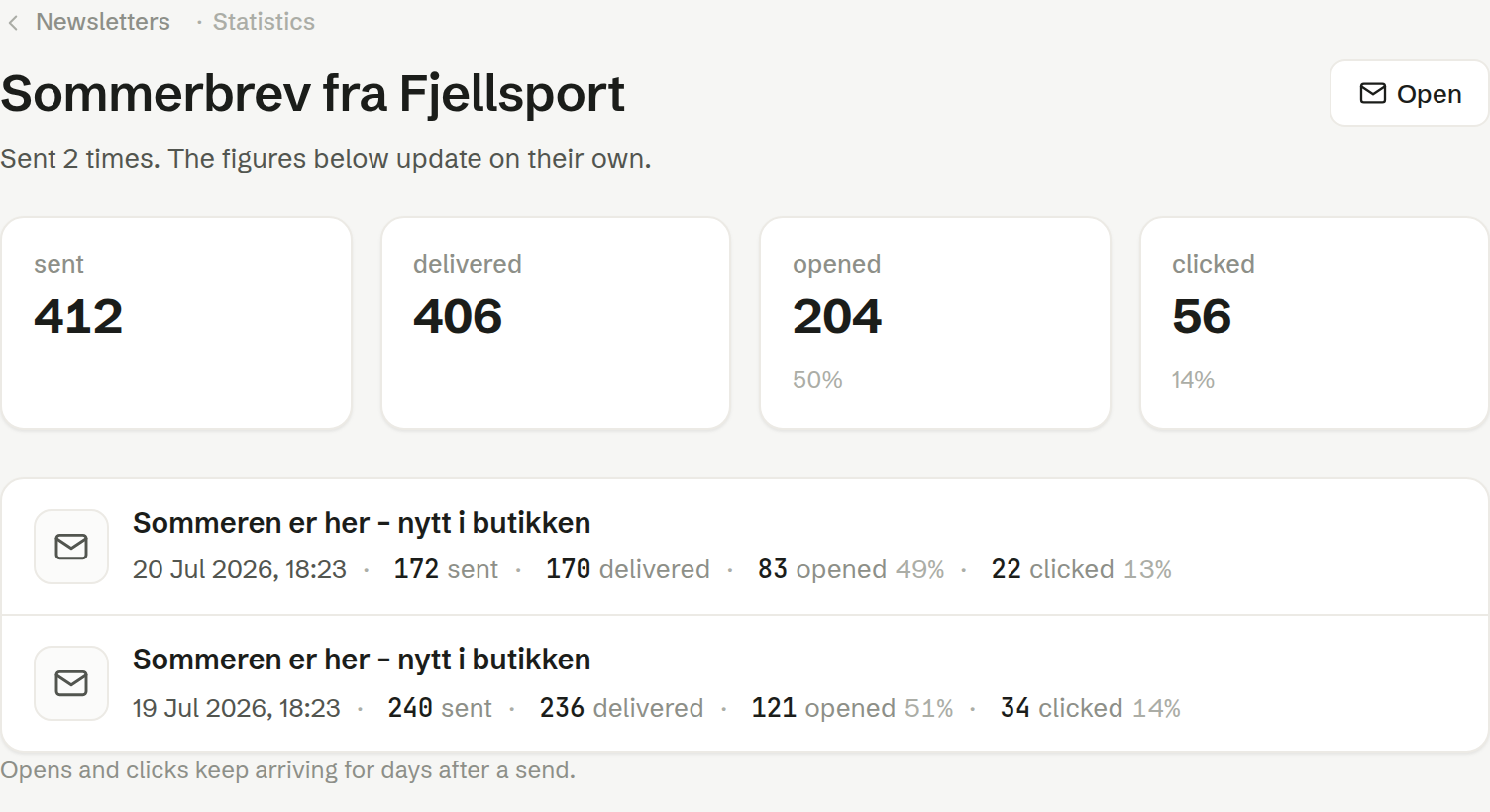
At the top are the figures for all sends of the newsletter together: sent, delivered, opened and clicked. The open and click rates are counted out of the delivered mails, and each recipient is counted once, however many times they open.
Each send
Below is one row per send, with its date, subject and its own figures. A newsletter sent in several rounds therefore shows every round. A send that failed is marked Failed and left out of the total; one where only some mails went out is marked Partly sent.
When the figures arrive
Opens and clicks keep arriving for days after a send, and the page updates by itself. If you have just sent, the figures may take a moment to appear.