
While you fill in, the Brønnøysund Register Centre checks the details. The check runs each time you leave a screen — not while you type. Only in Norway
When all is well
When the latest check passed on the details as they are now, the line at the bottom of the overview says so, with the time. Nothing else is shown. If you have changed something since, it says it will be checked again.
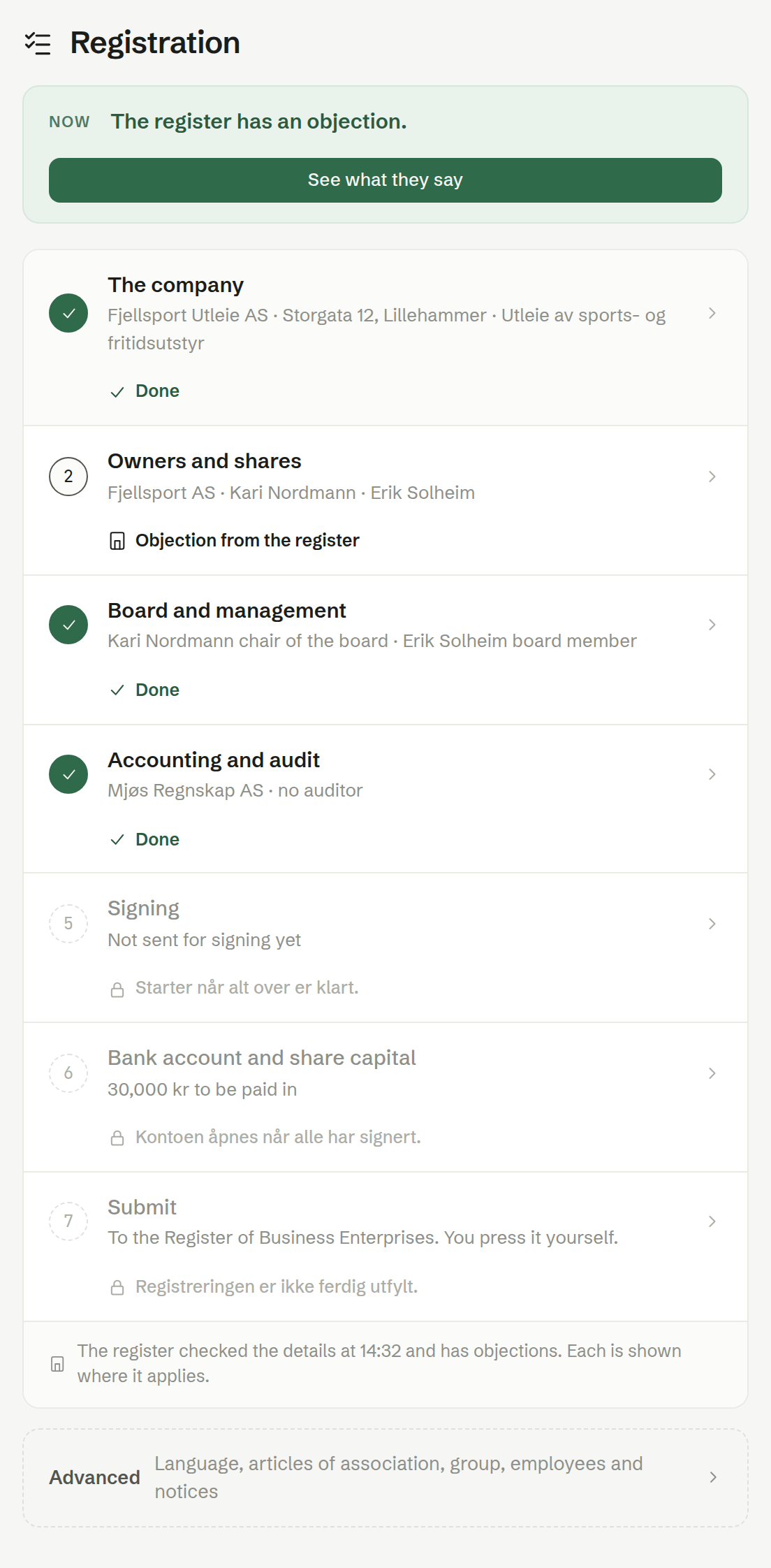
When the register objects
The register's objection is shown in its own words, marked Brønnøysundregistrene with its error number, next to the field it is about. The row on the overview says Objection from the register, and the Now box offers See what they say. Where it helps, a line of our own below says what it means for you.
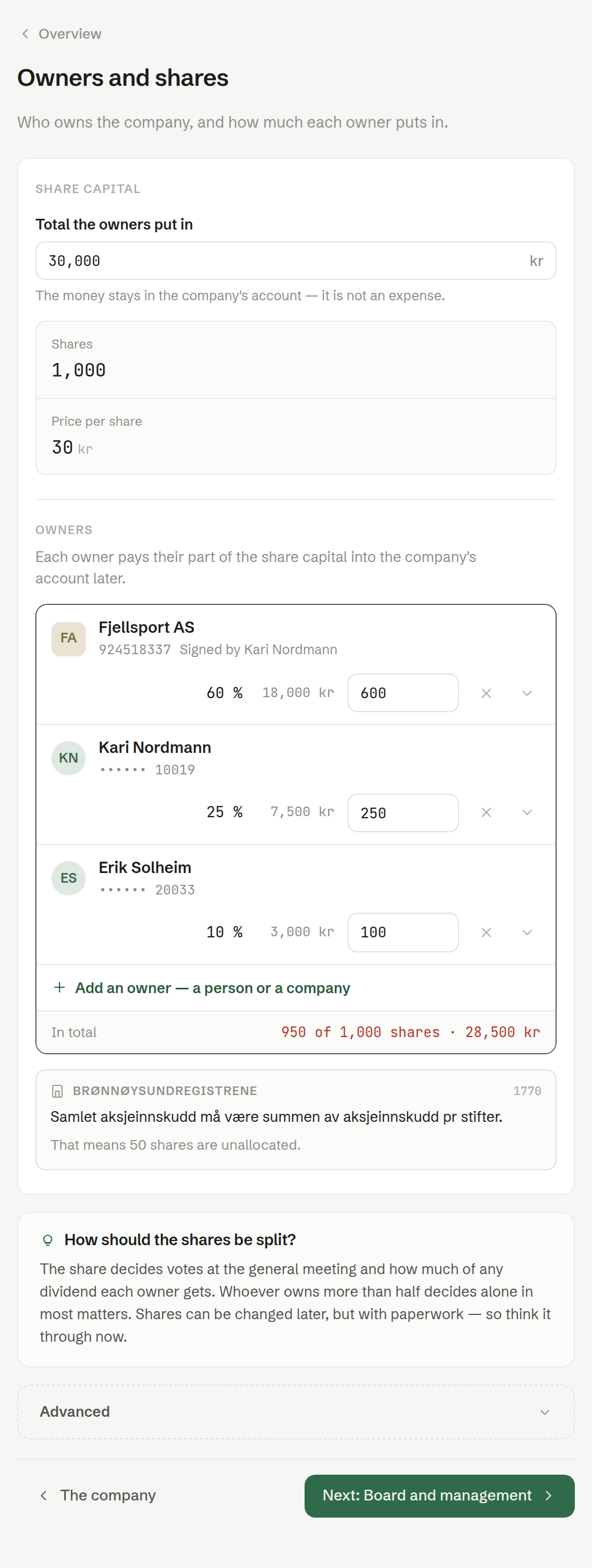
Correct the field, and the next check removes the objection. An objection that cannot be placed on a field is shown at the top of the overview, so nothing is ever left out.
Our own checks
Besides the register's check, each screen shows straight away what is missing, such as a name or an email for signing, and the overview row says Outstanding.