
The bell
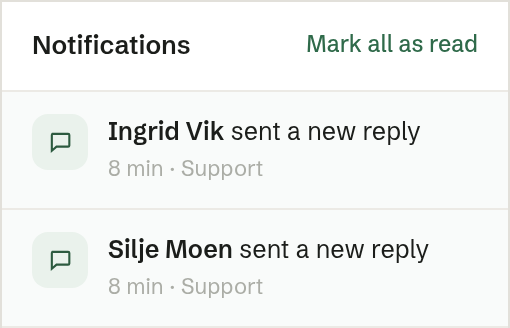
The bell at the top of the conversation list opens Notifications. A red dot shows how many are new.
You are notified when:
- a case was escalated to you — the agent handed it over;
- a customer sent a new enquiry on a channel where the agent does not answer first;
- a customer sent a new reply on an open case assigned to you.
Click a notification to open the conversation, even if it is in another inbox. The newest are at the top, and notifications from the last 24 hours count as new. Press Esc or click outside to close.
Notifications are shown in Brigg only; they are not sent by email.
The count in the menu
Customer service in the left-hand menu shows how many cases are on the Open tab across all your inboxes. With several inboxes, each row shows its own count. Cases the agent is still handling are not counted.