
A workspace starts with one inbox, «Support». Add more when different kinds of enquiries need their own address, instructions or team — for example «Sales» or «Rental».
Creating an inbox Admin
Owners and administrators:
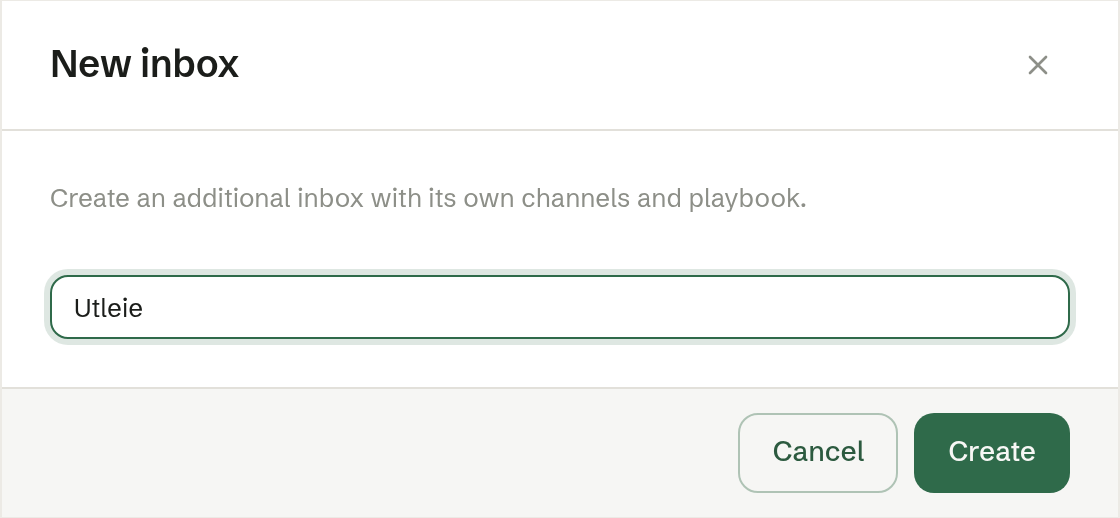
- Open the settings of any inbox and scroll to the bottom, to New inbox.
- Press New inbox.
- Give it a name, such as «Sales», and press Create.
The new inbox gets its own email address and web chat code straight away, and you land on its settings to set it up: email, web chat, playbook and documents.
Several inboxes in the menu
With more than one inbox, Customer service in the menu expands to one row per inbox, each with the number of open cases and its own gear.