
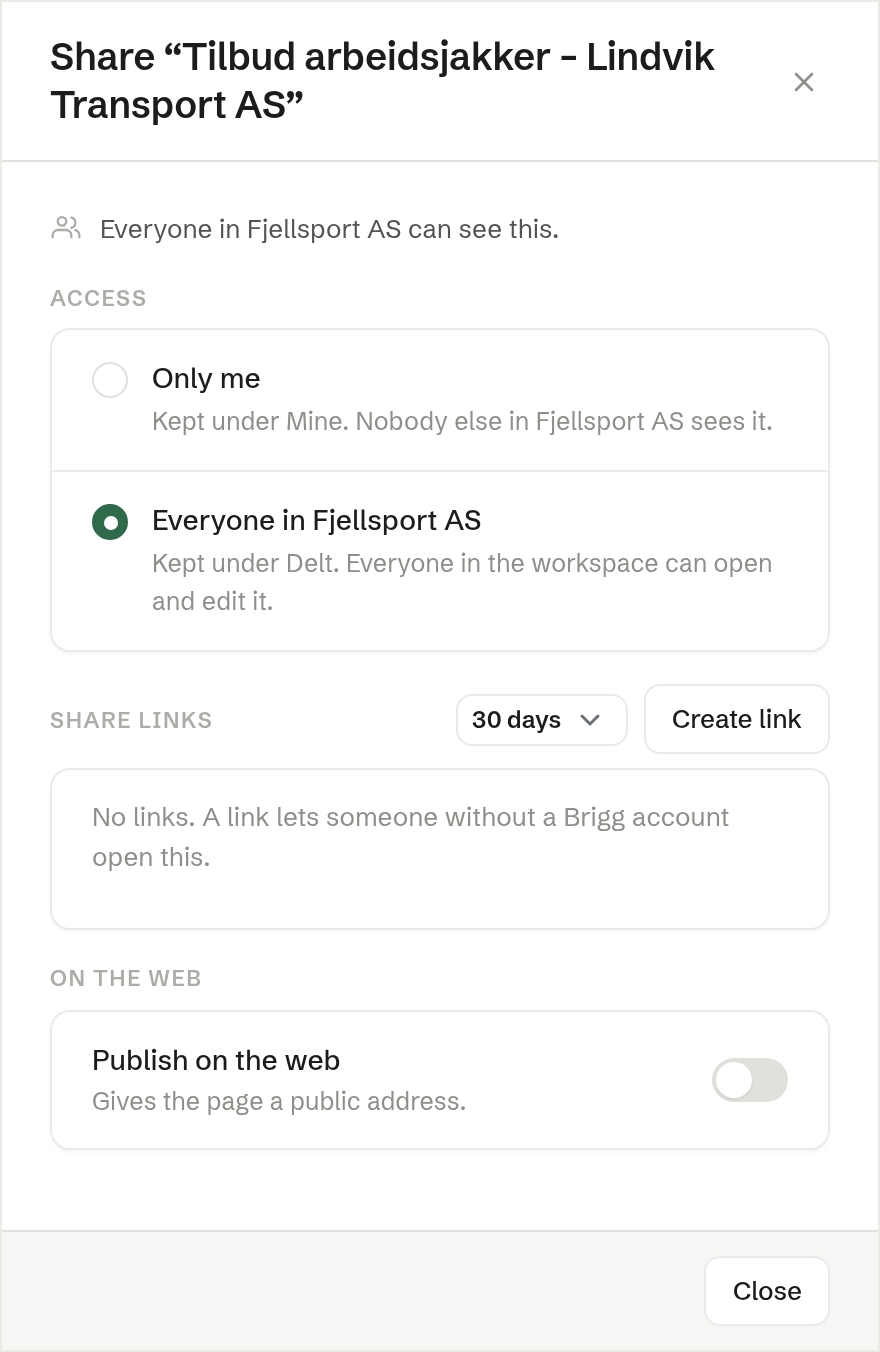
Share — in a document's ⋯ menu in the folders, or in the toolbar of an open document — decides who can see it. The dialog reads from the smallest audience to the largest.
Access
- Only me — the document lives under Mine. Nobody else in the workspace sees it.
- Everyone in the workspace — it lives under Shared, and everyone in the workspace can open and edit it.
Switching moves the document between the two trees. When an administrator makes a colleague's shared document private again, it goes back to that colleague's Mine, and the choice says so: Only and their name.
Share links
A share link lets someone without a Brigg account open the document — a customer reading a quote, for example.
- Choose how long The link lasts: 7 days, 30 days (the default), 90 days or 1 year.
- Click Create link, then Copy and paste it wherever you like.
Each link is listed with when it expires. Revoke closes it at once. A link always shows the saved version, so save the document first.
On the web
Publish on the web gives the document a public address. Anyone can open it, and it may show up in search engines. You don't need this to share with individuals — use a share link. Connect your own domain puts it on an address of your own.
Who may share
Sharing is for the person who shared the document and for owners and administrators — the same people who may rename and delete it.