
Templates lists the bases Create offers, beyond the built-in document types: a quote with your terms, a rental agreement, a report. A template is a document with blanks the agent fills in each time.
Two levels
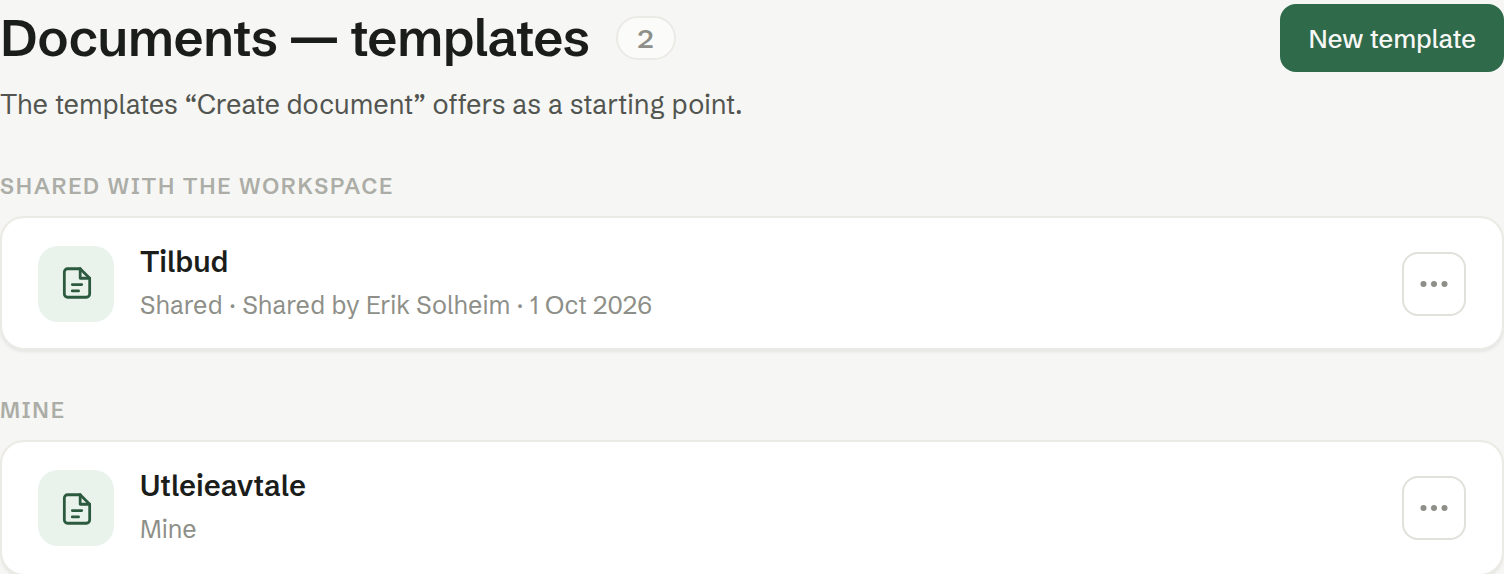
- Shared with the workspace — everyone can use it to make documents, read it and make a copy of it.
- Mine — only you can use it.
Each row says its level, who shared it and when, and whether it is a Word template or Signable — made to be signed.
The ⋯ menu
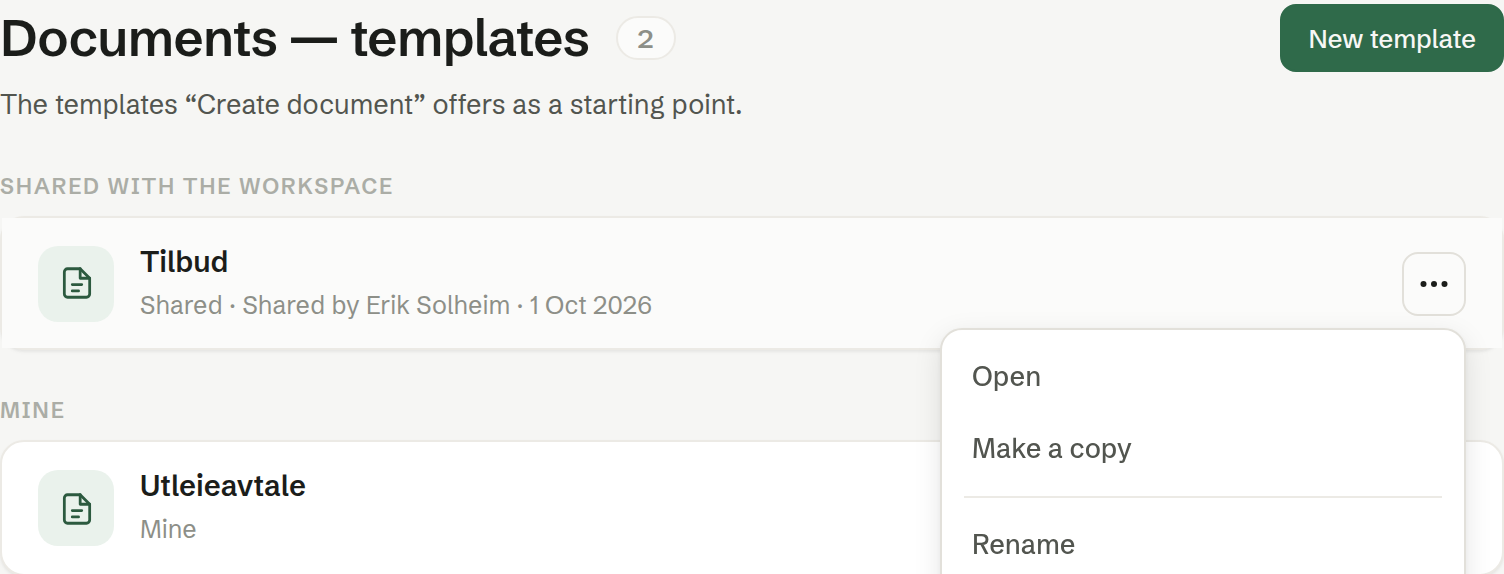
- Open — the template as a page. On a Word template: Download Word file.
- Make a copy — a copy that becomes your own template, under Mine, which you may change as you like.
- Rename.
- Share with the workspace — moves your template to the shared level, after you confirm. You remain its owner.
- Make private — moves a shared template back to the person who shared it.
- Delete — removes the template. Documents already made from it are kept.
Who may change a shared template
A shared template is the standard every new document is cut from, so it is looked after by the person who shared it. Everyone can use it, read it and make a copy. Renaming, editing, making it private and deleting it is for the person who shared it and for owners and administrators. Spot a mistake in a colleague's template? Make a copy, or tell them.