
A document made in Brigg opens as a page, with a toolbar above it.
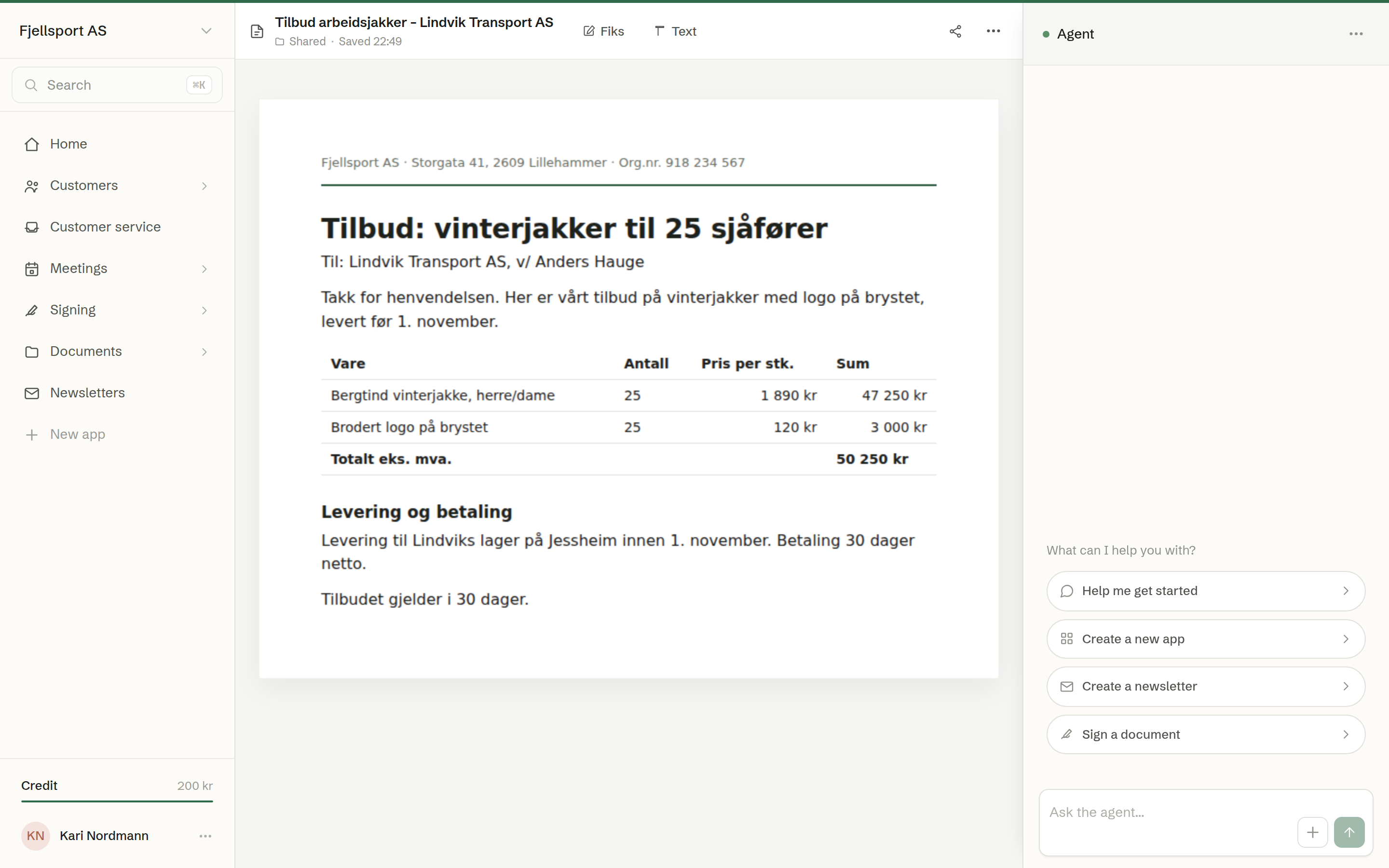
The toolbar
- The name — click it to rename the document. Under it, the folder it lives in; click the folder to move it.
- Text — click any text on the page and edit it in place. Each edit is kept as you type.
- Fiks — click an element on the page and leave a note for the agent about what should change.
- Share — who can see the document, share links and publishing. See Sharing a document.
- Request signature — on documents that are meant to be signed, such as a quote or an agreement. See Requesting signatures.
- Close — back to Documents: a template to Templates, a document to Recent.
You can also ask the agent in the chat to change the document — «make the delivery date 15 November» — and watch the page update.
Saving
Changes are made in your own working copy first. While there is one, the toolbar says Unsaved changes — the saved version is still the live one, and shows Save and Discard:
- Save makes your changes the version everyone else sees.
- Discard throws them away and goes back to the saved version.
The … menu
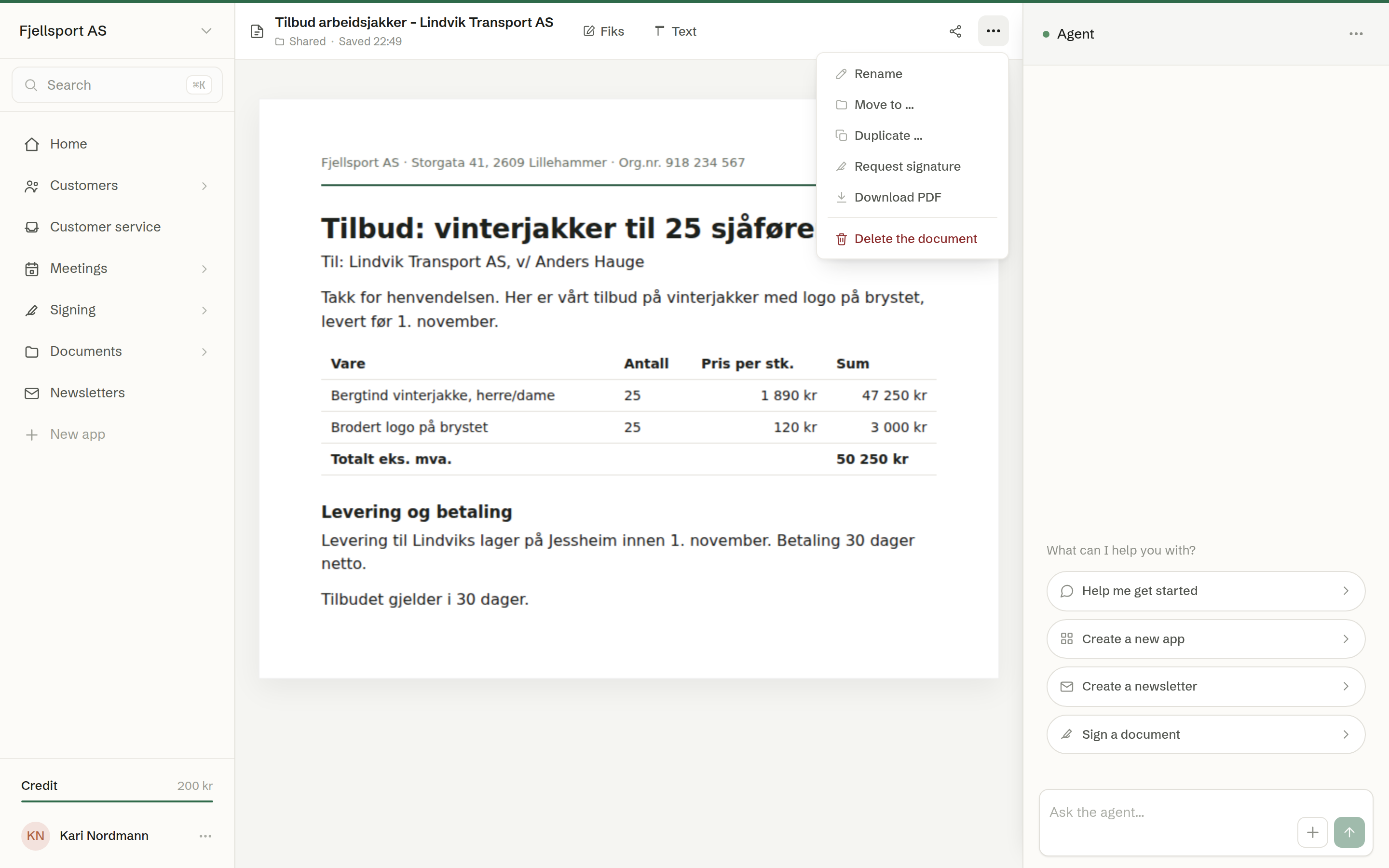
- Rename and Move to … — see Renaming, moving and deleting.
- Duplicate … — a copy you can change freely, under a new name.
- Download PDF — the document as you see it, as an A4 PDF file.
- Download Word — the same document as a Word file, so you can keep working on it in Word.
- Request signature — on documents where it is not in the toolbar.
- Delete the document — for the person who shared it and for owners and administrators.
When it is out for signature
While a signing is in progress, the document is locked so that nobody can change what the signers are reading: Text and Fiks are gone, and the toolbar shows how many have signed. See Following a signing.