
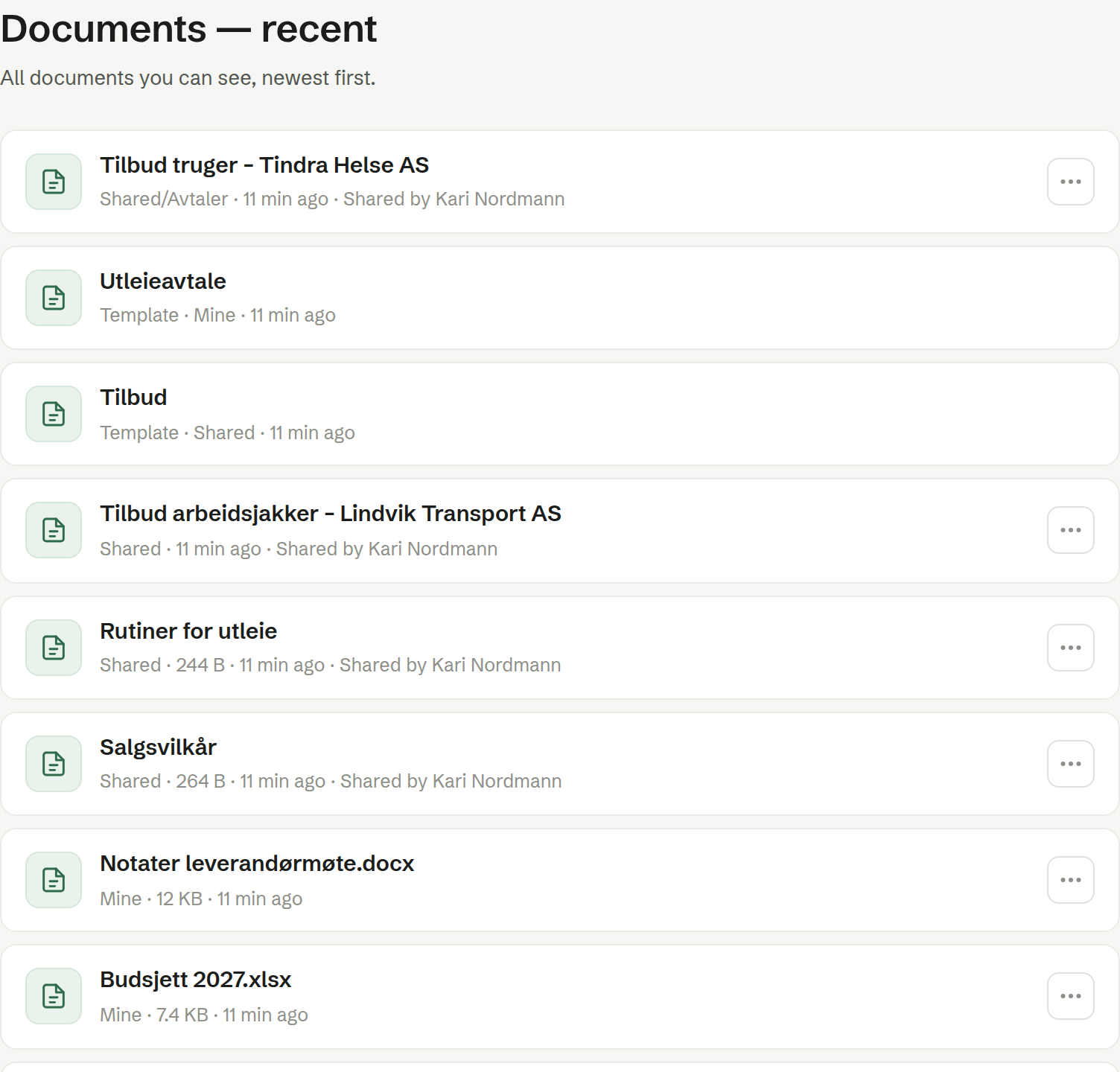
Recent lists every document you have access to — from Shared and from Mine — newest first.
What is in the list
- Files and documents from Shared and Mine, with the folder each one lives in.
- Documents that are not in any folder, such as email attachments, are left out. Find them with search or where they belong, for example on the customer.
- Templates, marked Template with their level — Shared or Mine.
Shared documents carry Shared by and a name, just as in the folders.
Using it
Click a row to open it. The ⋯ menu has Open or Download, and Rename and Delete for those who may, by the same rules as in the folders. Pinning, moving and making something new from a document is done from the folder it lives in. See Renaming, moving and deleting.
Recent is the quickest way back to something you or a colleague made today, without remembering where it was filed.