
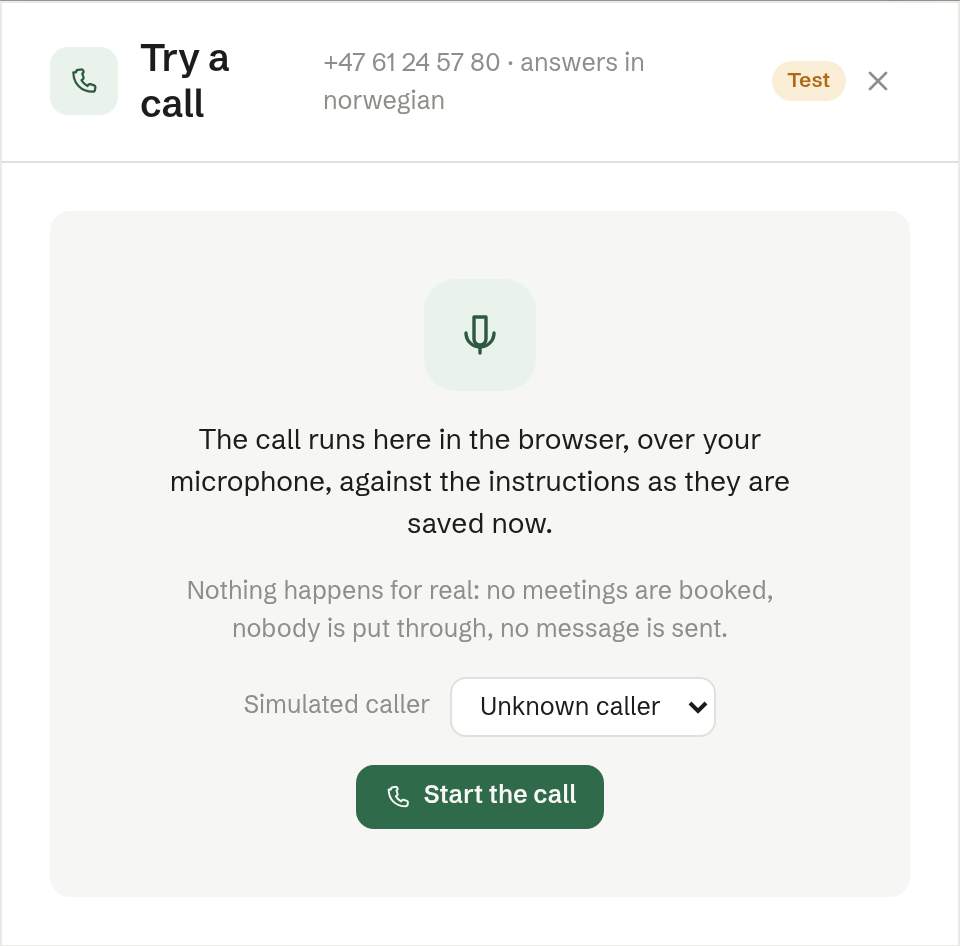
Press Try a call on the phone page to talk to the agent yourself, with your computer's microphone, against the instructions as they are saved now. Nothing happens for real: no meetings are booked, nobody is put through and no message is sent.
Making the test call
- Optionally choose a Simulated caller — someone from Customers — to hear how the agent greets a known customer. Unknown caller is the default.
- Press Start the call and talk. You can interrupt the agent, just as on a real call.
- When the agent would have done something — booked a meeting, put you through, taken a message — a card shows what it Would have done.
- Mute silences your microphone; Hang up ends the call.
If voice is not available, you can test by typing what the caller says instead.
How it went
After the call, How it went sums up what the agent did and checks it against your instructions. Where something was missing, you get a Suggested instruction with Add to the instructions — it is added to the instructions field, and you save it yourself.
Show the transcript shows the whole conversation. Try again starts a new test; Done closes.