
Every file has a ⋯ menu at the end of its row.
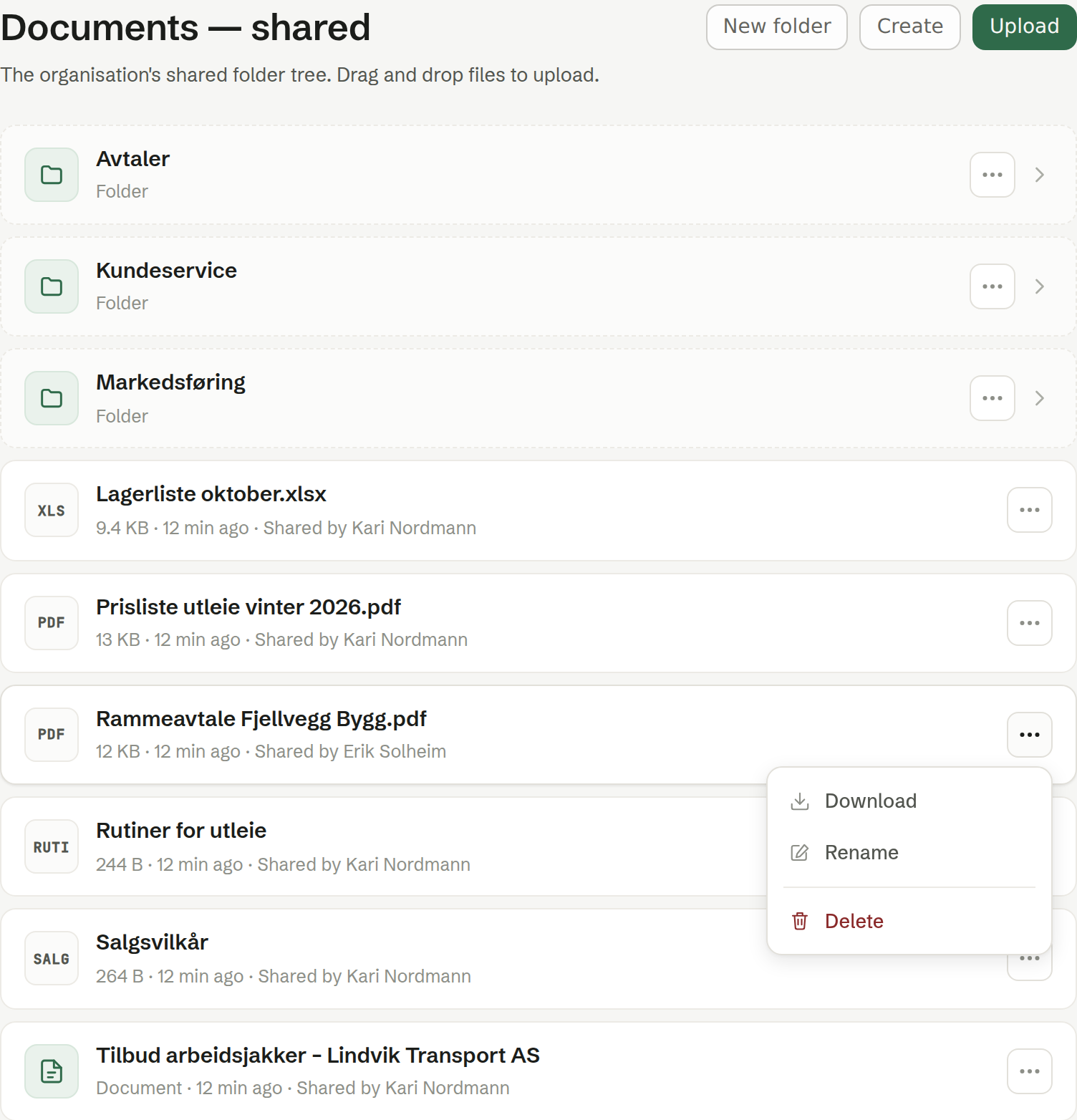
The menu
- Open (a document made in Brigg) or Download (an uploaded file).
- Rename — asks for the new name.
- Share — on documents made in Brigg: who can see it, share links and publishing. See Sharing a document.
- Delete — removes the file for good, after you confirm. There is no wastebasket.
Who may rename, move and delete
A shared document belongs to the workspace, but it is looked after by the person who shared it. So in Shared:
- Everyone can open, download and edit the content.
- Renaming, moving and deleting is for the person who shared it — shown as Shared by on the row — and for owners and administrators. Others don't see these choices in the menu.
In Mine, everything is yours alone.
Moving a document
- Between Shared and Mine: use Share and pick who can see it. See Sharing a document.
- To another folder: open the document and choose Move to … in its … menu, or click the folder name under its title. Pick the folder and click Move here.
When a document can't be changed
A document that is out for signature is locked: it can't be renamed, edited or deleted until the signing is cancelled. A fully signed document can't be deleted. See Signing.