
History in a text document's … menu lists its earlier versions.
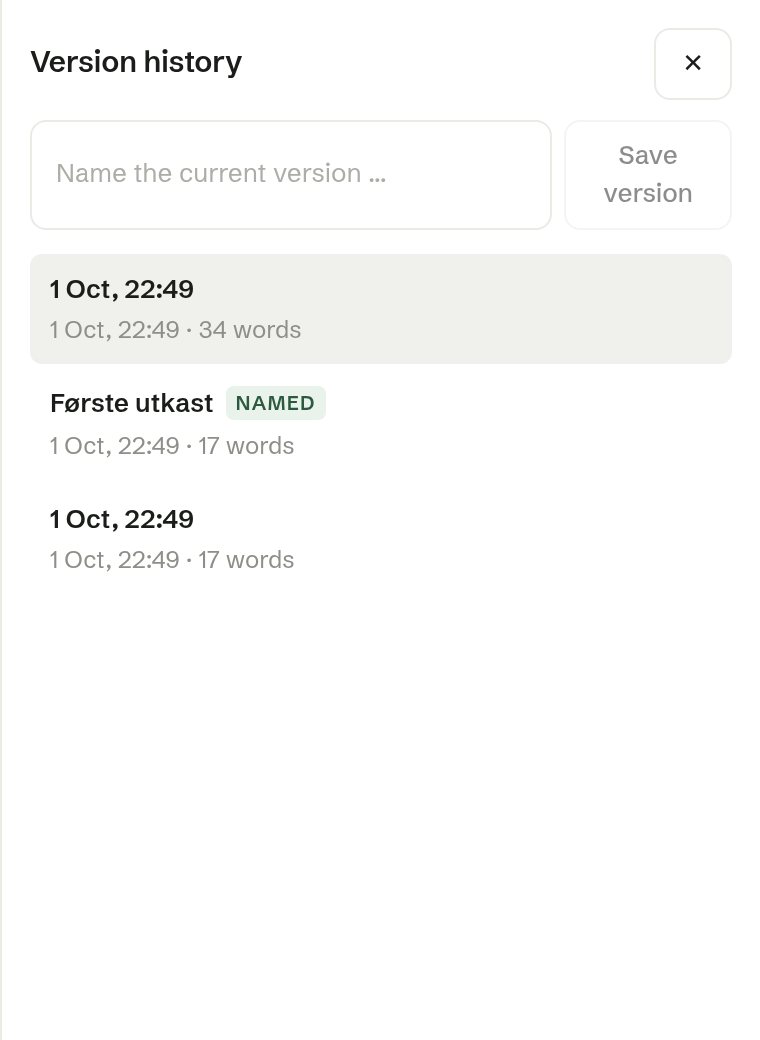
How versions are made
- Automatically, when everyone has left the document, and every ten minutes or so while people are working in it.
- By you: write a name in Name the current version … and click Save version. Named versions are marked Named.
Each version shows when it was saved and how many words it had.
Restoring
Click a version to read it, then Restore this version. The document goes back to that text for everyone who has it open. Nothing is lost: the text as it was just before is kept as a version marked Before restore, so a restore can itself be undone.