
Open the settings with the gear on the series' card. Changes apply from the next issue. Press Save when you are done.
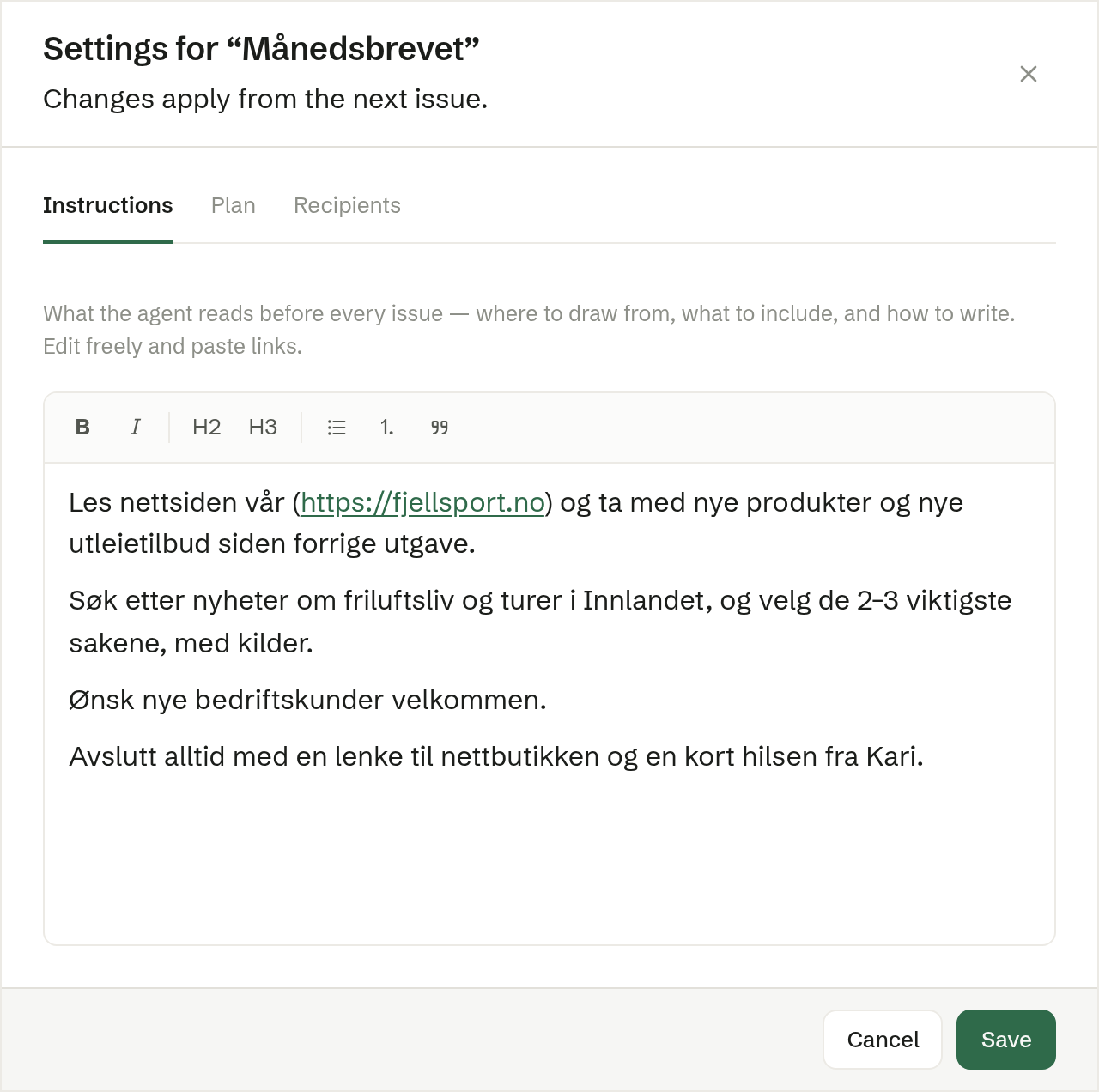
Instructions
What the agent reads before every issue — where to find material, what to include and how to write. It was written from the sources you chose when setting up, and you can edit it freely: add links, remove a source, describe the tone. The bold, heading and list buttons above the text help with layout.
Plan
The name, How often, the first issue and Time, and Before sending (I approve or Sent automatically) — the same fields as when setting up.
Recipients
Who receives the issues: All contacts, By tag or Specific addresses, as when setting up.
What is not here
The template is not chosen here: the next issue is always copied from the latest finished one. To start with a different design, edit the latest issue.