
When everything is filled in, the documents are signed with BankID. Each signatory gets an email with a link and signs on BankID's own page. Only in Norway
The documents
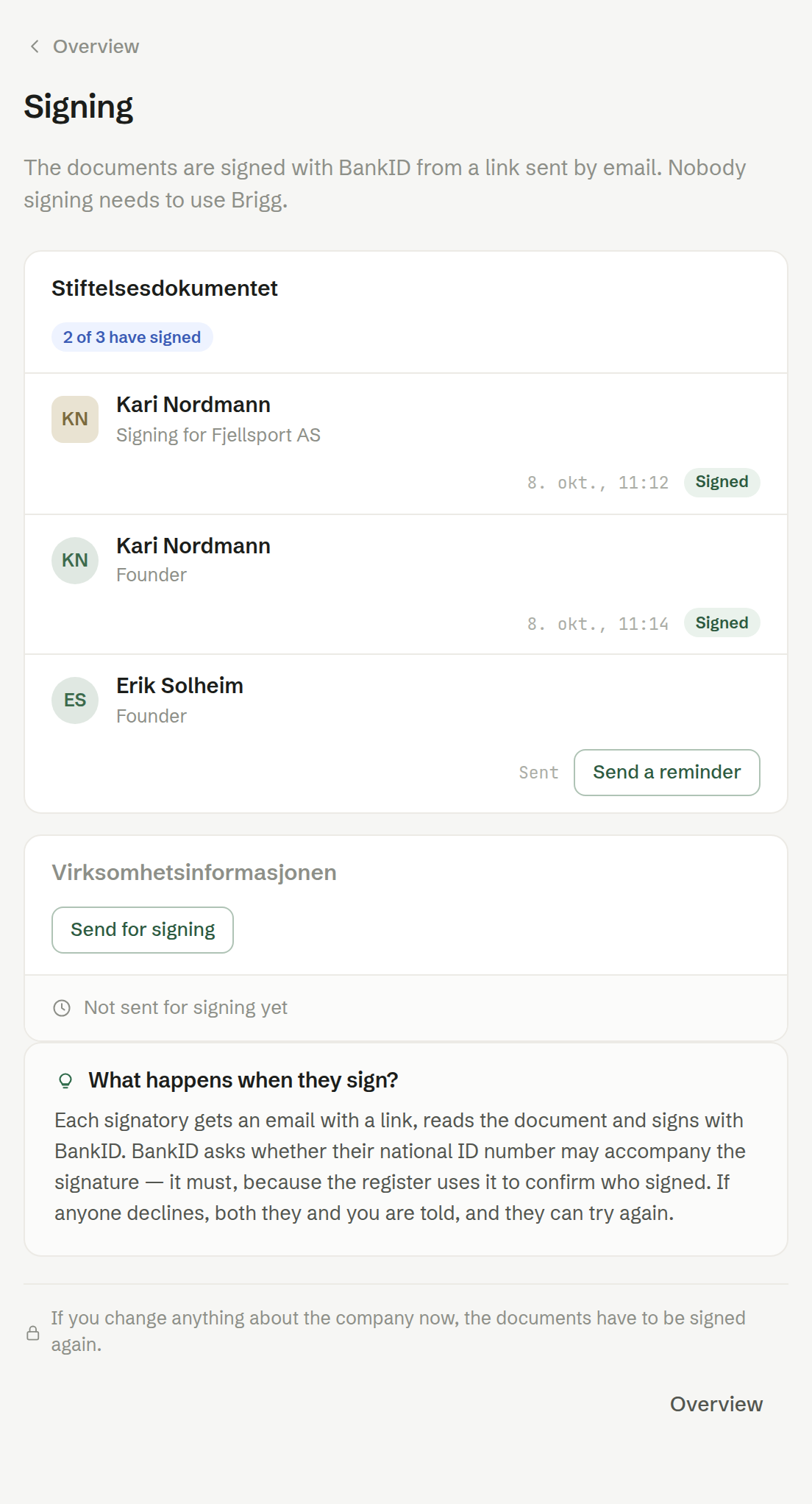
A limited company has two documents with different signatories:
- Stiftelsesdokumentet (the memorandum of association) — signed by every founder. A company that is an owner signs through its person.
- Virksomhetsinformasjonen (the business information) — signed by the board.
A sole proprietorship has one document, signed by the sole proprietor. The documents are signed in order: the second cannot be sent before the first is complete.
Sending and following
Send for signing sends a document to its signatories. Each signatory is listed with their role and when they signed, or Sent while they have not. Send a reminder sends the link again. When it is your turn, Sign with BankID takes you to BankID straight away. The overview and the Now box say whom you are waiting for.
BankID asks each signatory whether their national identity number may accompany the signature; it must, because the register uses it to confirm who signed. Everyone who signs needs to be a member of the workspace.
Changes after sending
If you change anything about the company after the documents are sent, they have to be signed again. While the documents are out for signing, the filing is locked.