
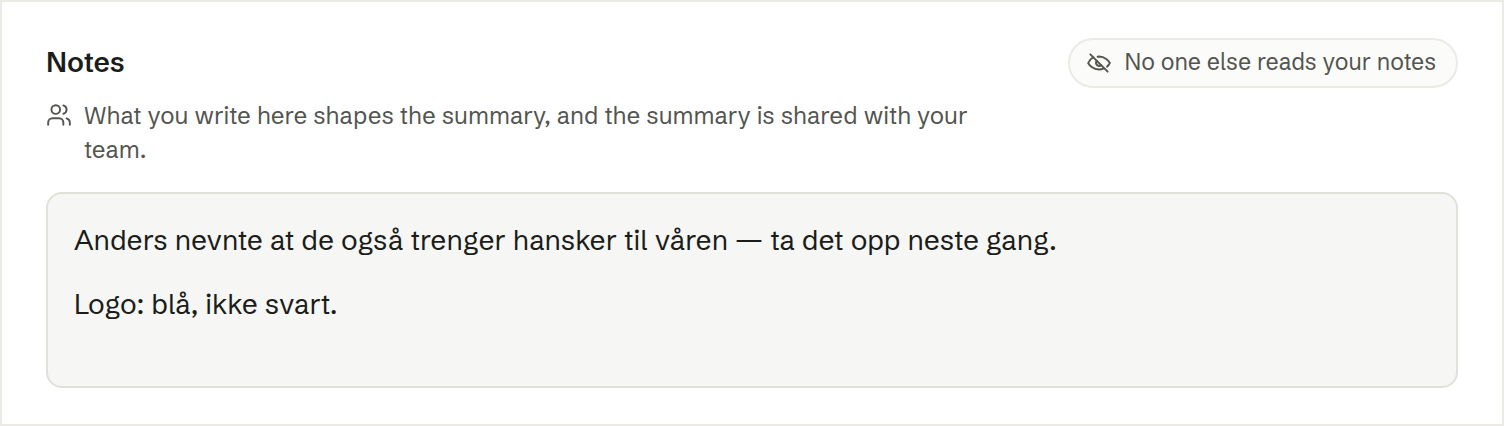
Every meeting has a Notes field — before, during and after the meeting, and in the meeting window while you record. Write context, corrections, a number the transcript got wrong, or the points that mattered. Notes save as you type.
Only you read them
Notes are always private, even on a meeting that is shared with the team: No one else reads your notes. Each attendee who uses Brigg has their own.
They shape the summary
When the summary is written, your notes are read as background: a correction is used, a point you weighted is given weight. The notes are never copied into the summary, and loose fragments and reminders to yourself are left out. The hint under the field says whether the summary they shape is yours alone or shared with the team.
That means something from your notes can reach colleagues through a shared summary. So when you share a private meeting that has notes, Brigg first shows you the notes and lets you clear them — see Who can see a meeting.
The agent
Ask the agent to note something on a meeting, or to read back what you wrote. It only ever reaches your own notes.