
Open Upcoming or Recent under Meetings in the left-hand menu. Click a meeting to open it.
Upcoming
Everything still ahead: the events in your connected calendar, meetings you have prepared, meetings booked through your booking links, and a meeting being recorded right now. When a meeting is under way or starts within a few hours, it is shown at the top with Open, and Join when it has a video link or Start to record it.
Without a connected calendar, an empty list shows Connect your calendar instead. See Connecting your calendar.
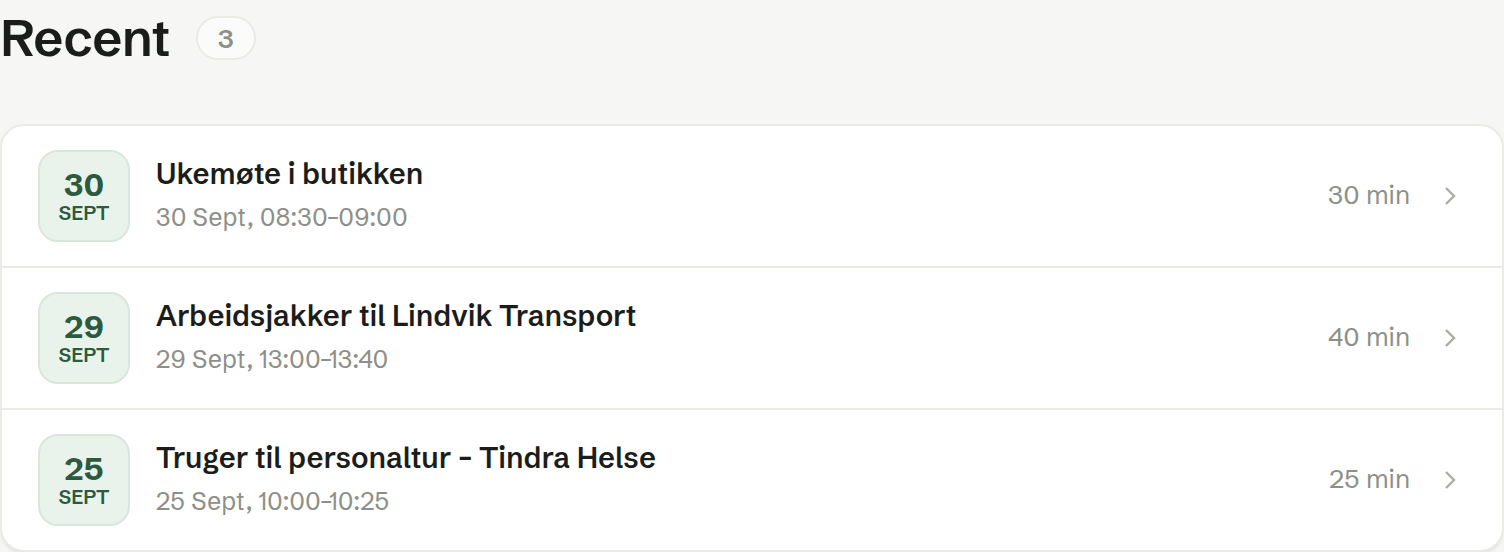
Recent
The meetings you have recorded and held, newest first. A calendar event you did not record is not listed here, and nor is a meeting you prepared but never started — they are still found with search.
Whose meetings are listed
Both lists show your own meetings: the ones you recorded and the ones in your own calendar. A colleague's meeting that is shared with the team is not in your lists, but you find it on the customer's Meetings tab in Customers, and with search.
Each row
The date, the title, the time and how long the meeting lasts. A meeting being recorded right now has its date highlighted.