
Owners and administrators can get a number. Others see who to ask.
Step by step Admin
- In the inbox's settings, find Phone under Channels and press Get a number — or press Get a number on the phone page.
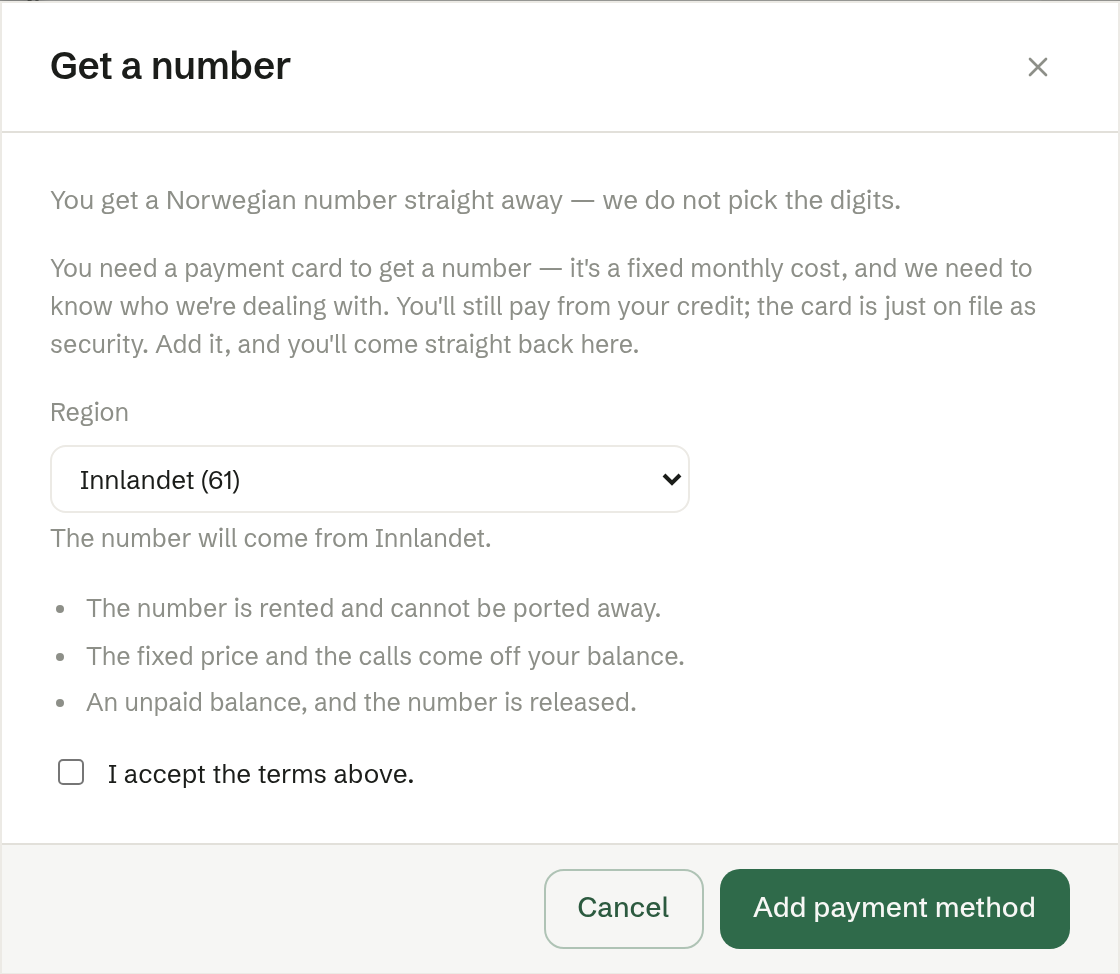
- It will be an Oslo number — starting with 22 or 23. You get a number straight away; you do not choose the digits.
- Read the terms: the number is rented and cannot be taken with you; the fixed price and the calls come off your credit; an unpaid balance means the number is released.
- Tick I accept the terms above and press Get a number.
If you have no payment card
A number is a fixed cost every month, so the workspace needs a payment card on file. You still pay from your credit; the card is security. Press Add payment method, add the card, and you come straight back to finish.
After ordering
The number is usually active within an hour. It stays off until you press Activate, so you can write the instructions and try a call first.
If something goes wrong, the dialog says what — for example that the price has changed (close and open the dialog again) or that a number is already being set up.