
A new customer takes two fields. Brigg and the agent fill in the rest: the logo, the registered details, the industry and a short introduction. See What Brigg fills in for you.
A new company
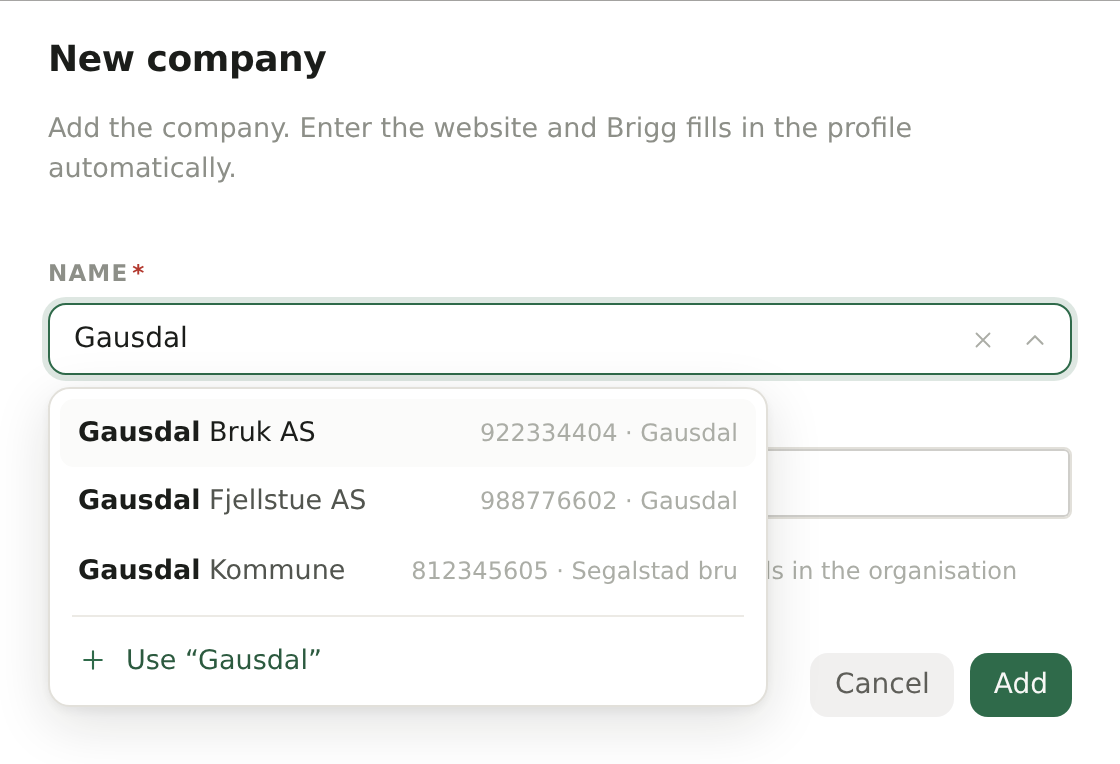
Click New company on the company list. The dialog has two fields:
- Name — start typing the company's name. Required.
- Website — the company's web address, such as fjellsport.no. Brigg fetches the logo from it, and the agent reads it to write about the company.
The company is created with you as Owner. You can change that, and add everything else, under Edit afterwards.
You can also add a company straight from search: search for a company that is not in Customers and choose to create it.
Finding the company in the register
Only in Norway and Sweden
The Name field searches the company register as you type. Pick the right hit, and the company gets its exact registered name and organisation number at once — which is what gives the company page its key figures from the register.
- In Norway you can search by name or by organisation number.
- In Sweden, type the organisation number; the register then names the company.
Brigg has no company register for Denmark. A company that is not in the register — a Danish or other foreign company, or one just founded — is added as you typed it: choose Use “…” at the bottom of the list.
A new contact
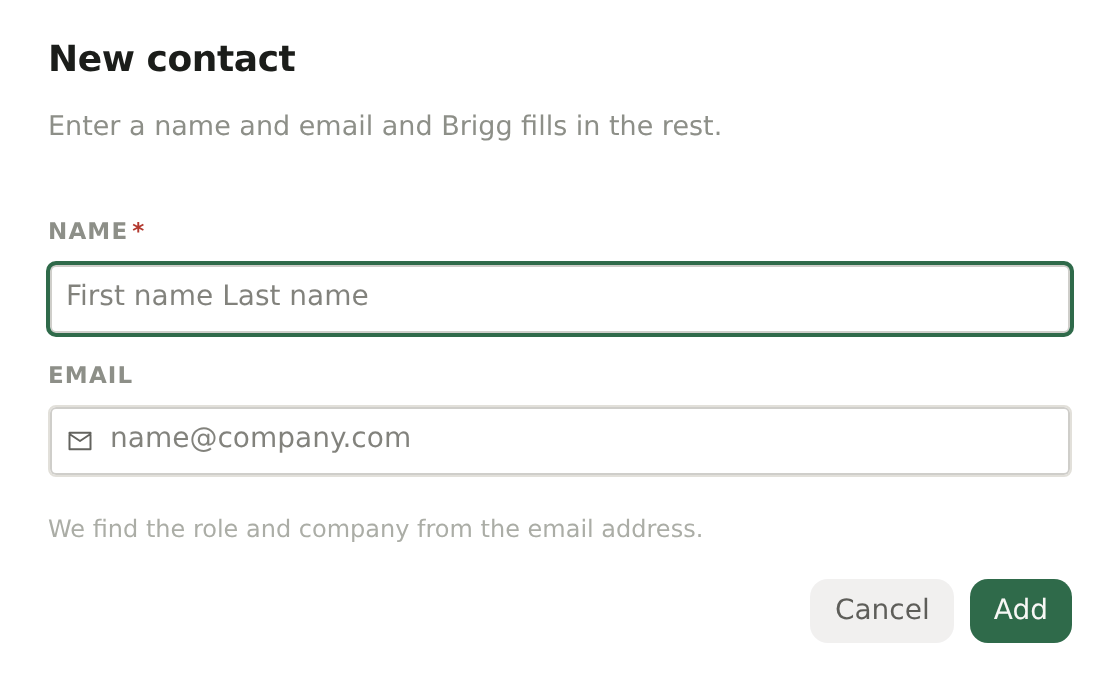
Click New contact on the contact list, or + New contact on a company's Contacts tab to add a person at that company. The dialog has two fields:
- Name — first and last name. Required.
- Email — their work address. From it the agent finds their role and which company they work at.
Who can add
Every member can add companies and contacts.