
Customers › Companies lists every company in the workspace. Click a row to open the company page.
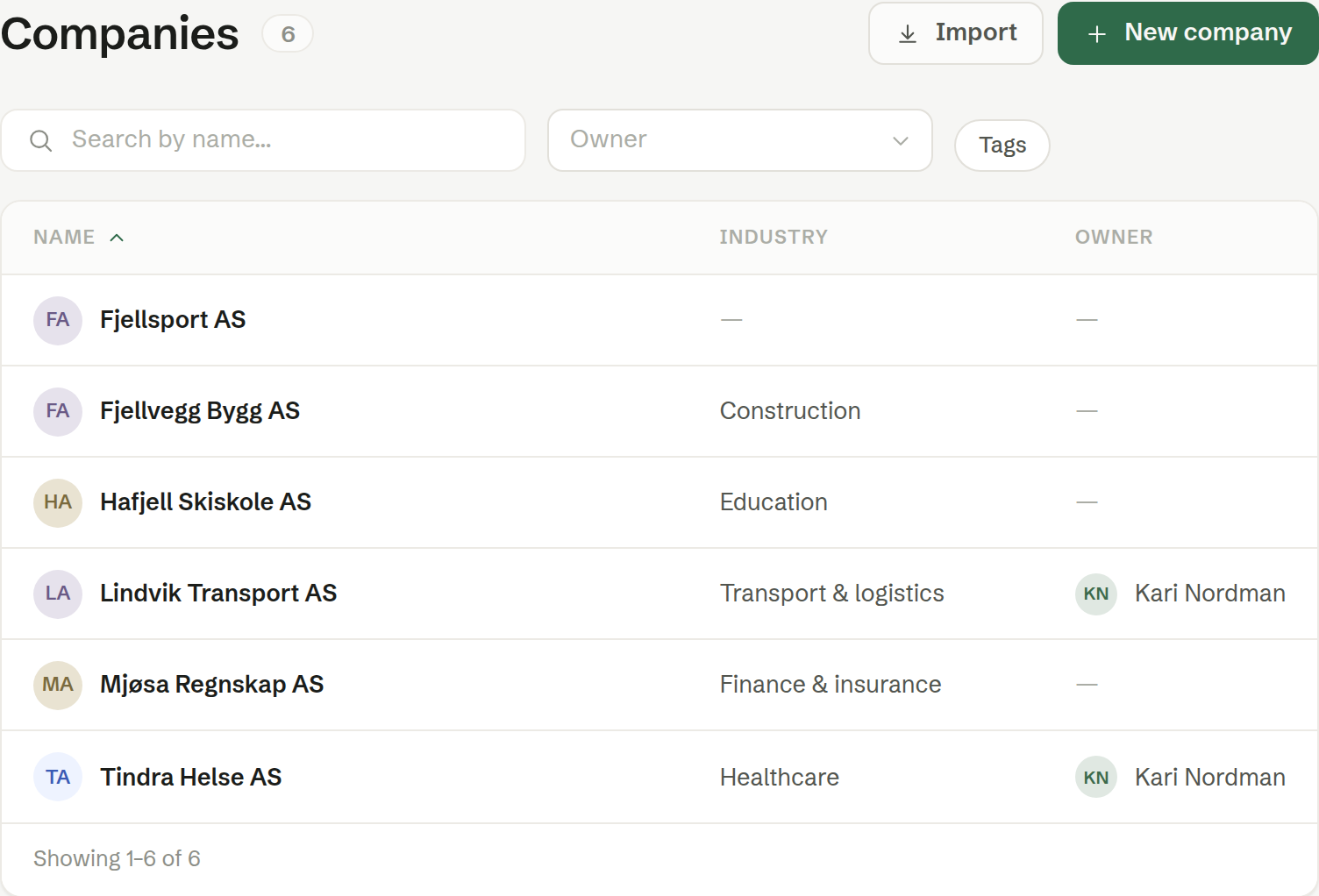
The columns
- Name — the company's name and logo. Click the column heading to sort A–Z or Z–A.
- Industry — the industry, from a fixed list.
- Owner — the colleague responsible for the customer.
Your own company is in the list too. It is created automatically and marked «You work here!» when you open it.
Search and filters
- Search by name… finds companies as you type.
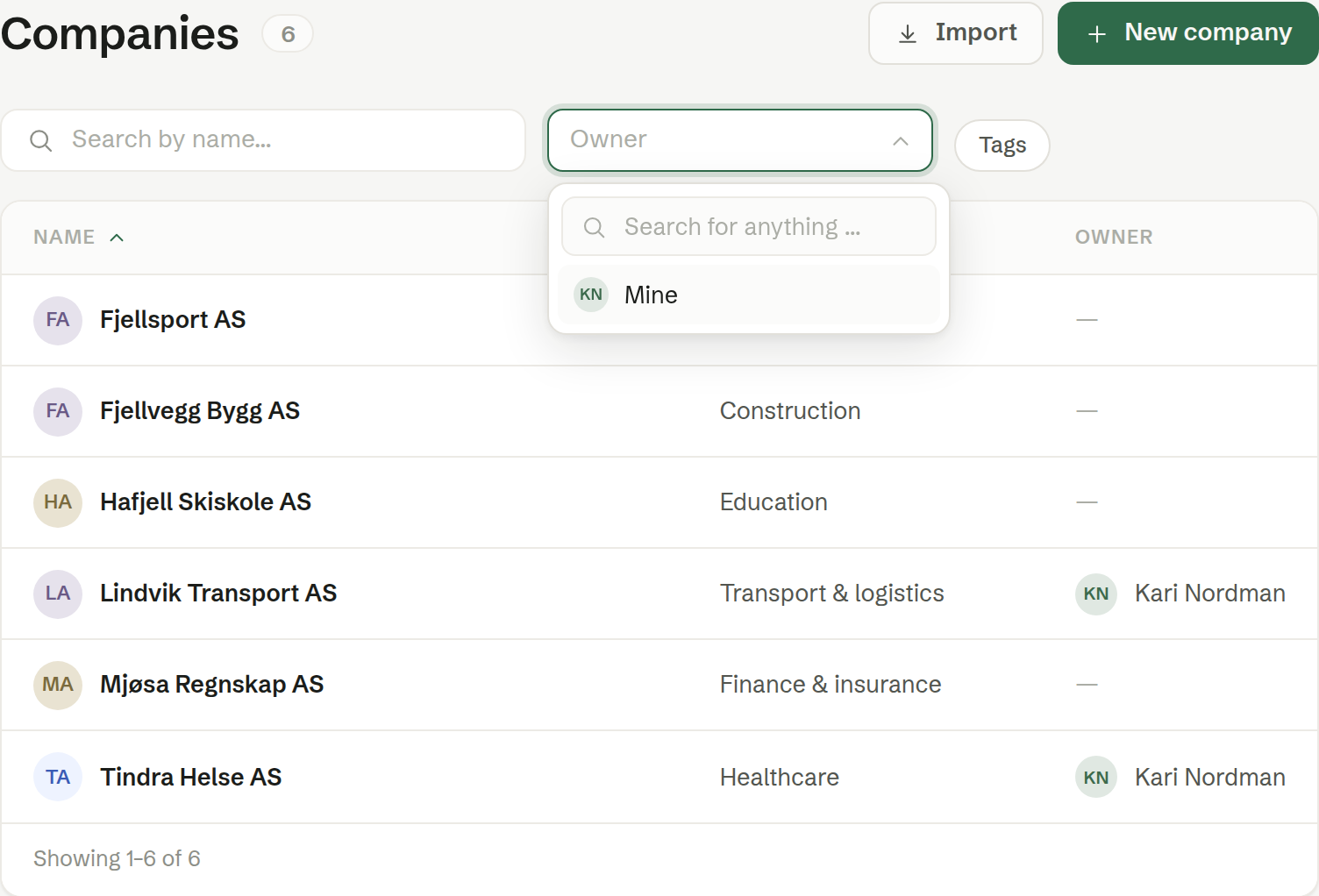
- Owner shows only the companies one colleague is responsible for. Your own name comes first, as Mine, so «my customers» is one click.
- Tags shows only companies with a given tag, such as Customer.
Filters combine: Mine and the tag Customer shows your own customers only.
The buttons
- New company — add a company. See Adding a company or a contact.
- Import — bring in companies and contacts from HubSpot or a file. See Importing customers.