
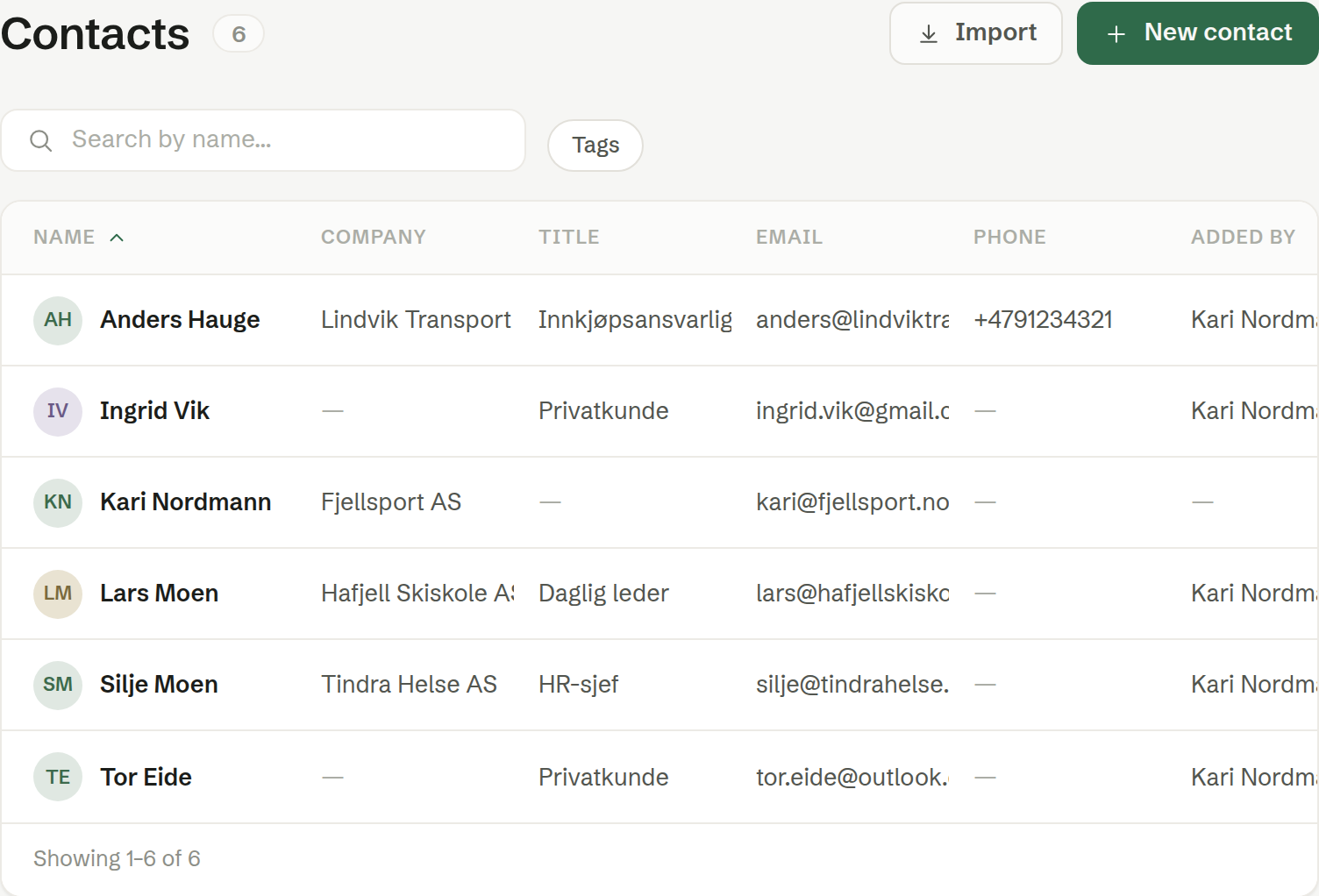
Customers › Contacts lists the people outside your company that you deal with. Click a row to open the contact page.
The columns
- Name — sort by clicking the heading.
- Company — where they work. Empty for a private customer.
- Title, Email and Phone.
- Added by — the colleague who added the contact. Empty for contacts that came in by import or were created automatically.
Your colleagues are not in this list — only you, on your own contact card, so you can find it.
Search and filters
- Search by name… searches every column you see, so you can also find a contact by email or company.
- Tags shows only contacts with a given tag.
Contacts that create themselves
You rarely have to type contacts in. The outside people in your calendar meetings are added as contacts automatically, and linked to their company from the email address.
The buttons
- New contact — see Adding a company or a contact.
- Import — see Importing customers.