
The Tasks tab on a company or contact holds the follow-ups that belong to that customer — «send a sample jacket», «call back after the holidays».
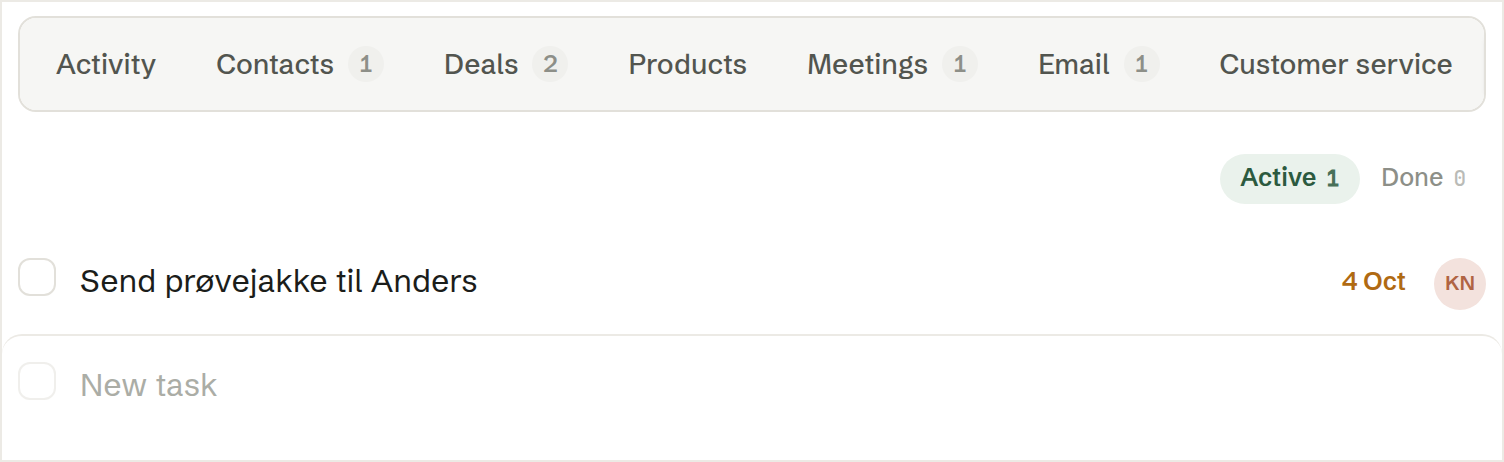
Adding a task
Type the task in the New task row under the list and press Enter. Click + due to give it a deadline, and pick who is to do it.
Active and done
Active shows what is still to do; tick a task to mark it done, and it moves to Done. The number on the tab counts the active tasks.
A task on a contact is on the company too
A task written on a contact also shows on the Tasks tab of the company they work at, so the company page lists everything open with the customer.